
Handy Golf App Features: Swing Analysis, Games, Drills & More
Explore the key Handy Golf app features, including swing recording, ClearSwing IQ, mirror mode, practice games, putting level, and drill library.
Explore the key Handy Golf app features, including swing recording, ClearSwing IQ, mirror mode, practice games, putting level, and drill library.
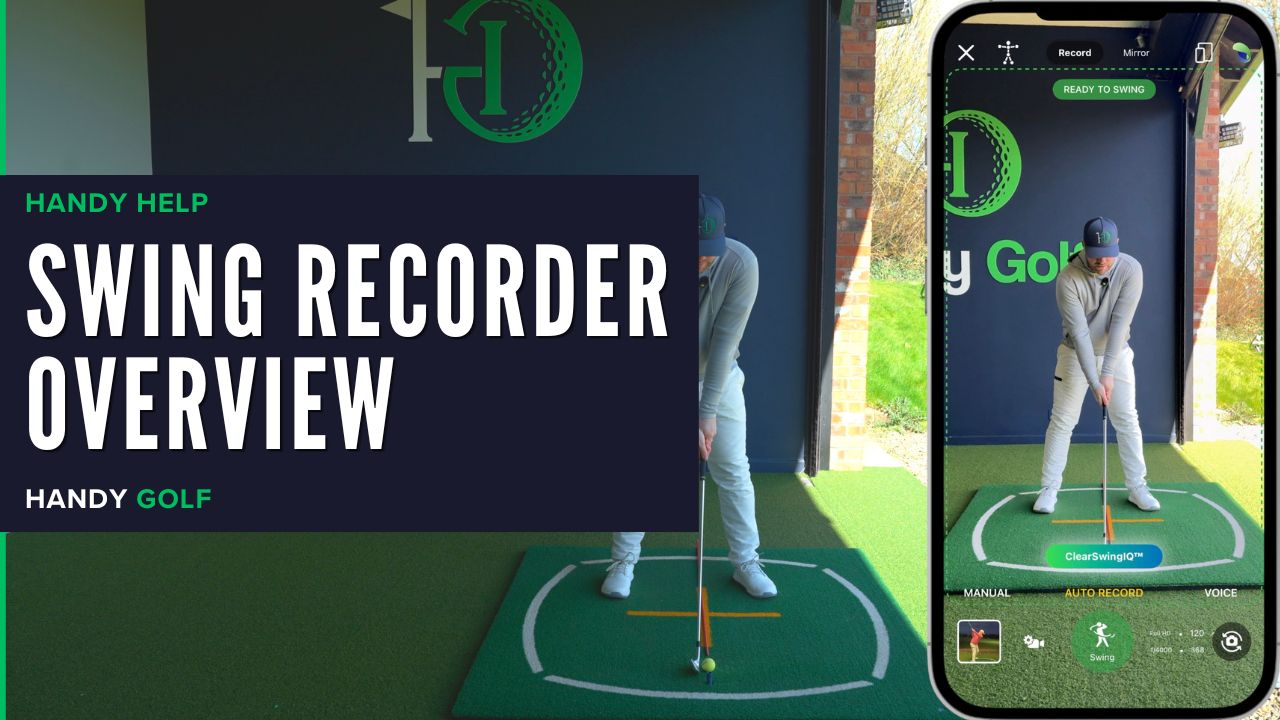
Learn how to open the Handy Golf Swing Recorder, choose capture modes, use auto record, review swing videos, and save clips to your library.
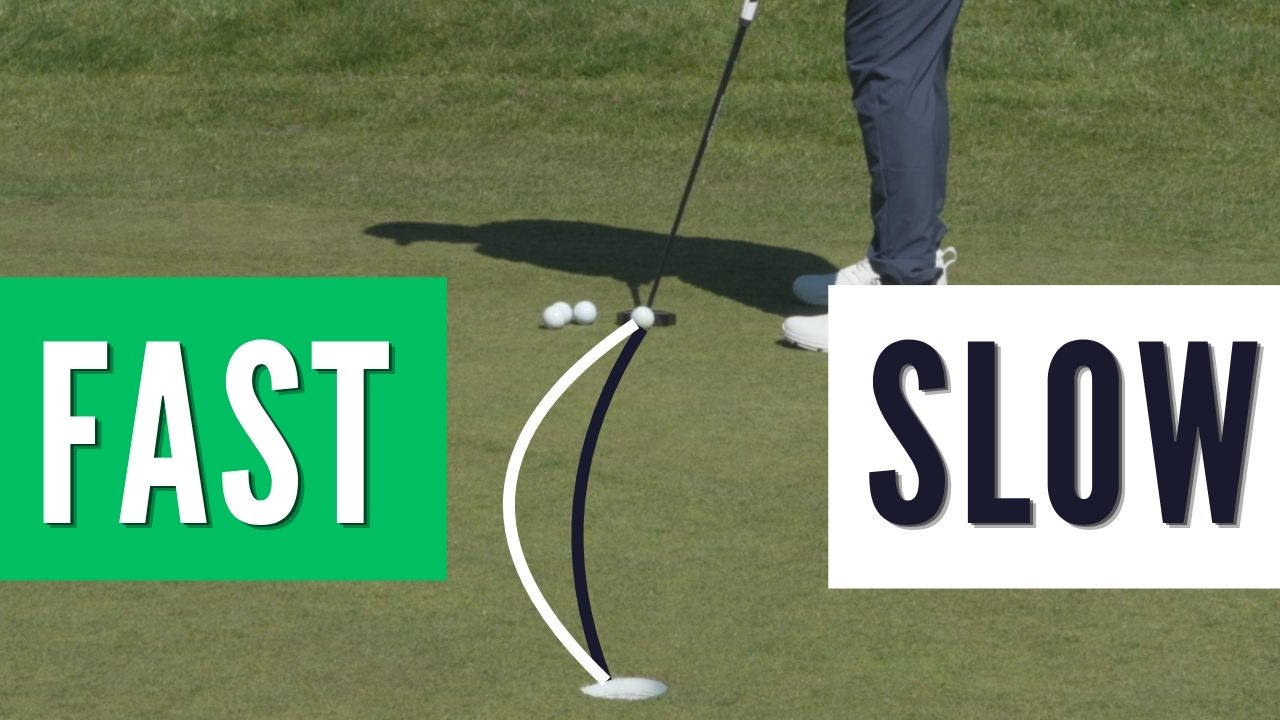
Learn why faster greens create more break, slower greens reduce it, and how to adjust your aim using Stimp speed and the HandyGolf Putting Level.
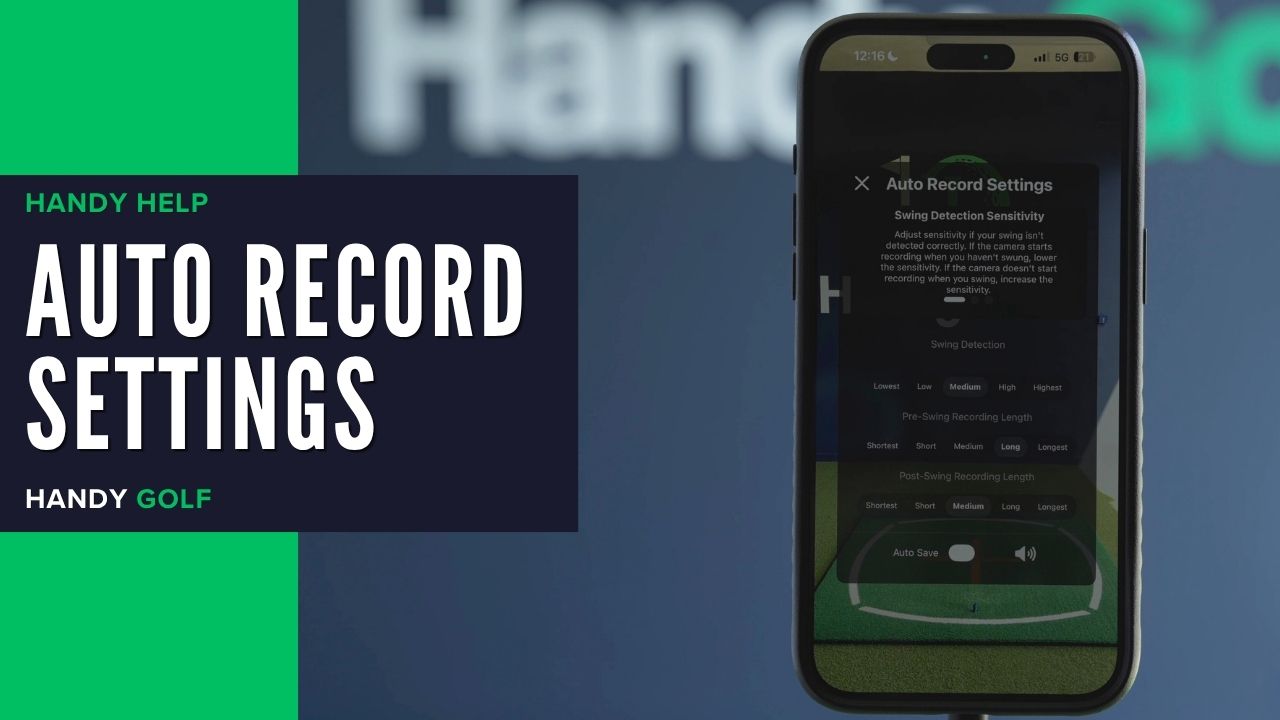
Learn when and how to change Auto Record swing detection, pre-swing length, and post-swing length for cleaner golf swing videos.
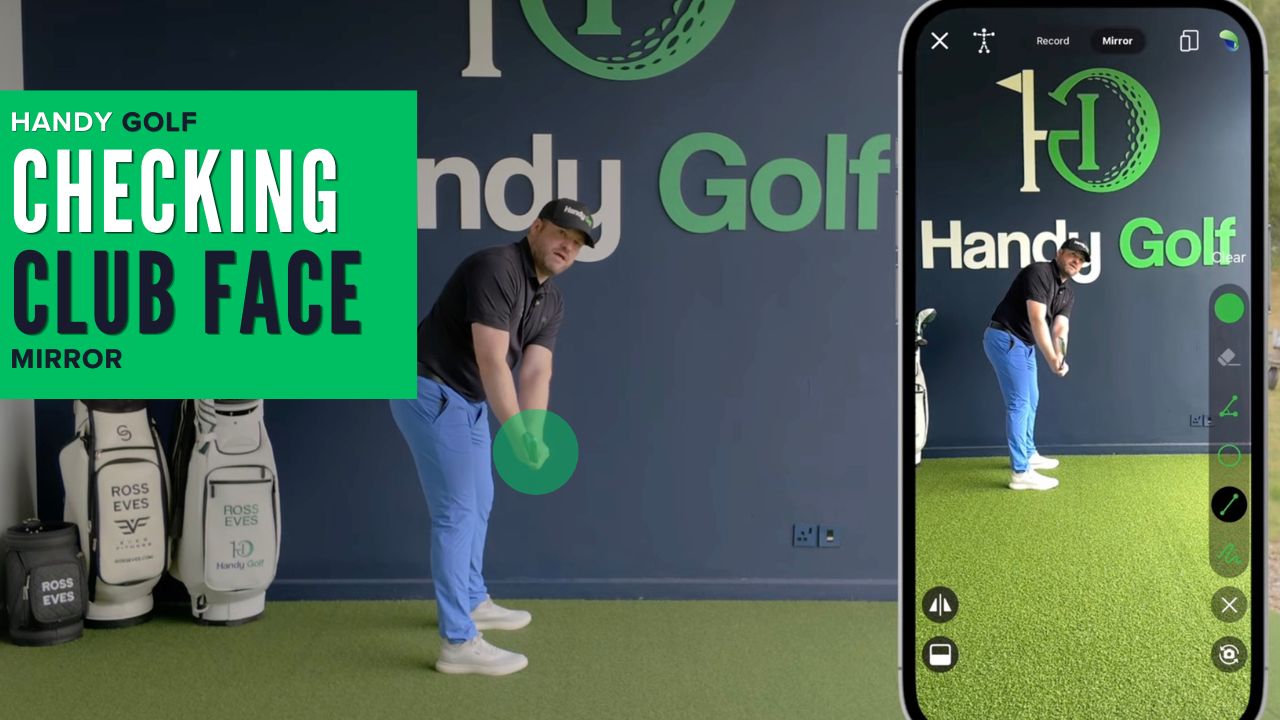
Use mirror mode at home or on the range to check whether your clubface is square, open, or closed during the takeaway.
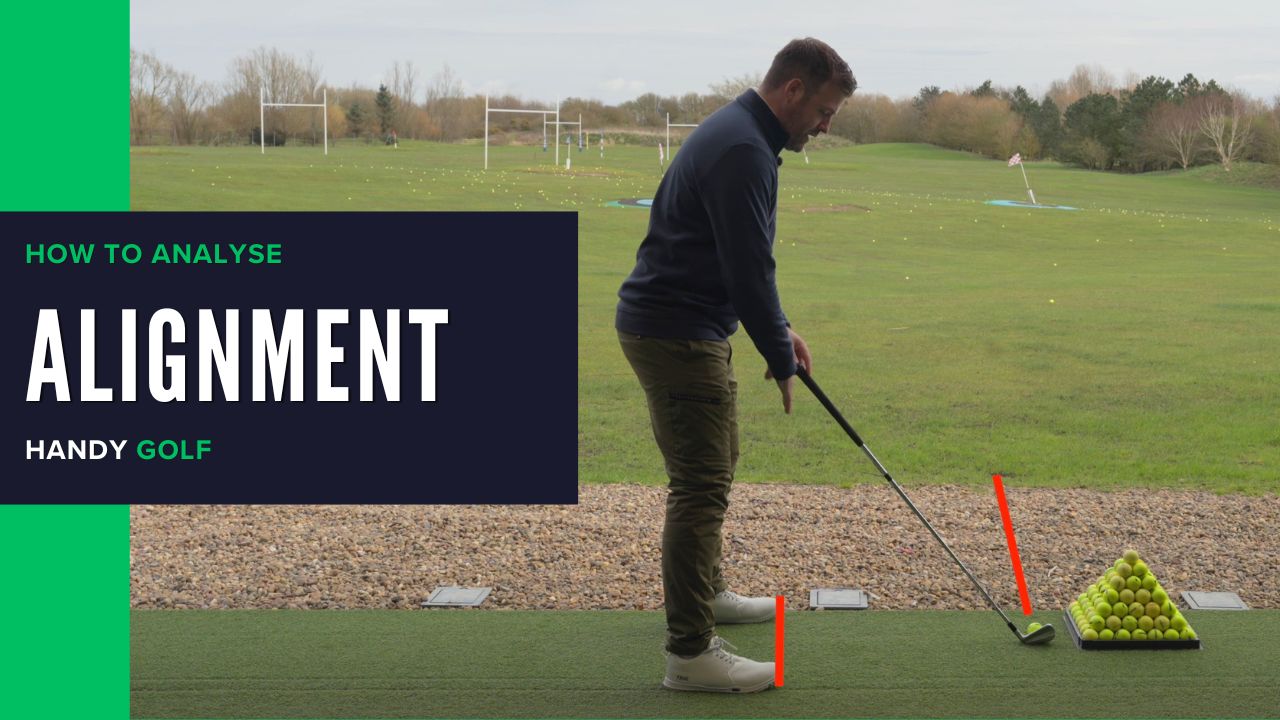
Use the Handy Golf line tool to identify square, open, and closed alignment and understand how each setup can influence your ball flight.
Learn how to connect Full Swing KIT to the Handy Golf app, record swings, view launch data, customize data tiles, and save shots to your library.
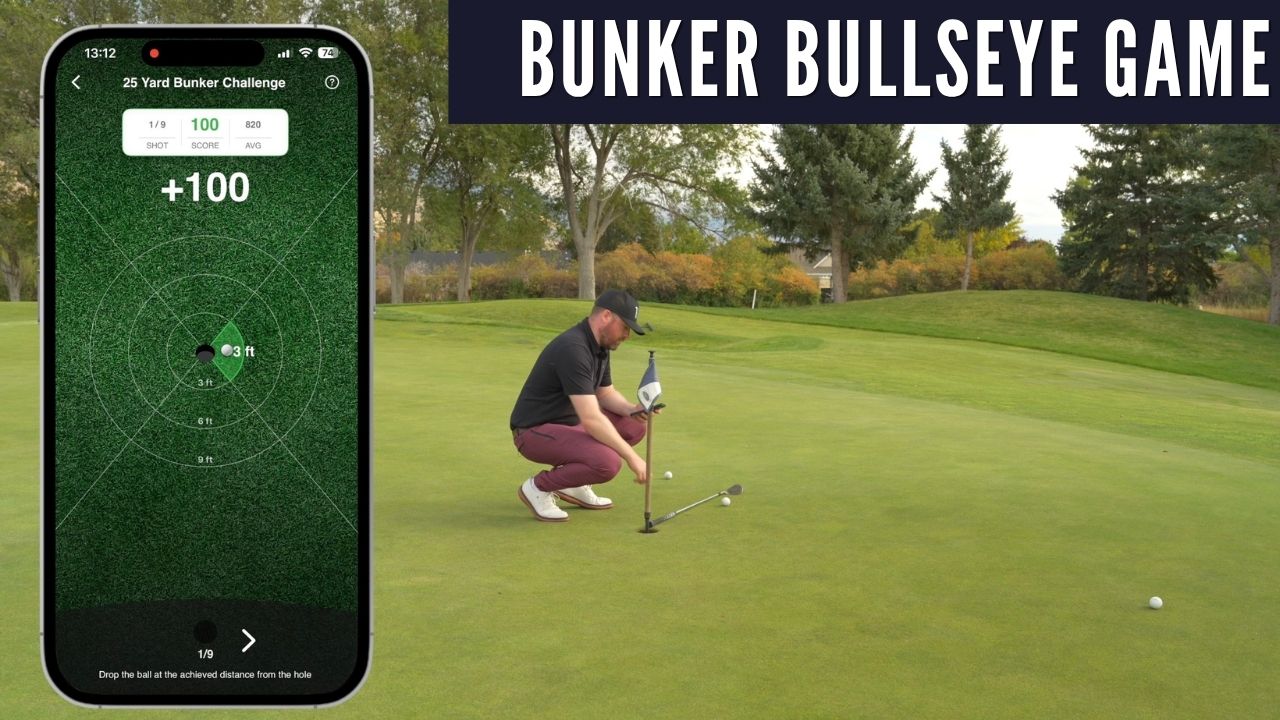
Learn how to set up a bunker challenge, hit sets of shots, and score easy or hard mode using dispersion circles around the hole.
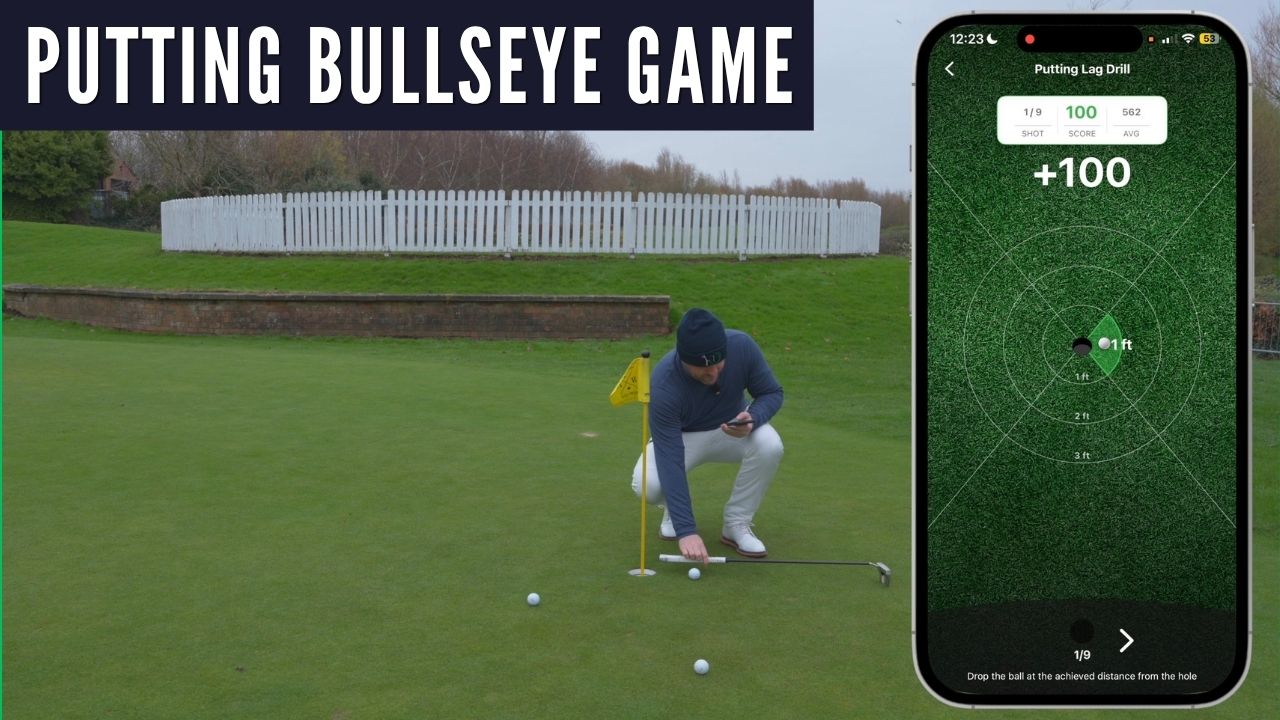
Learn how to set up, play, score, and save a Putting Bullseye session in the Handy Golf app while practicing distance control on the green.
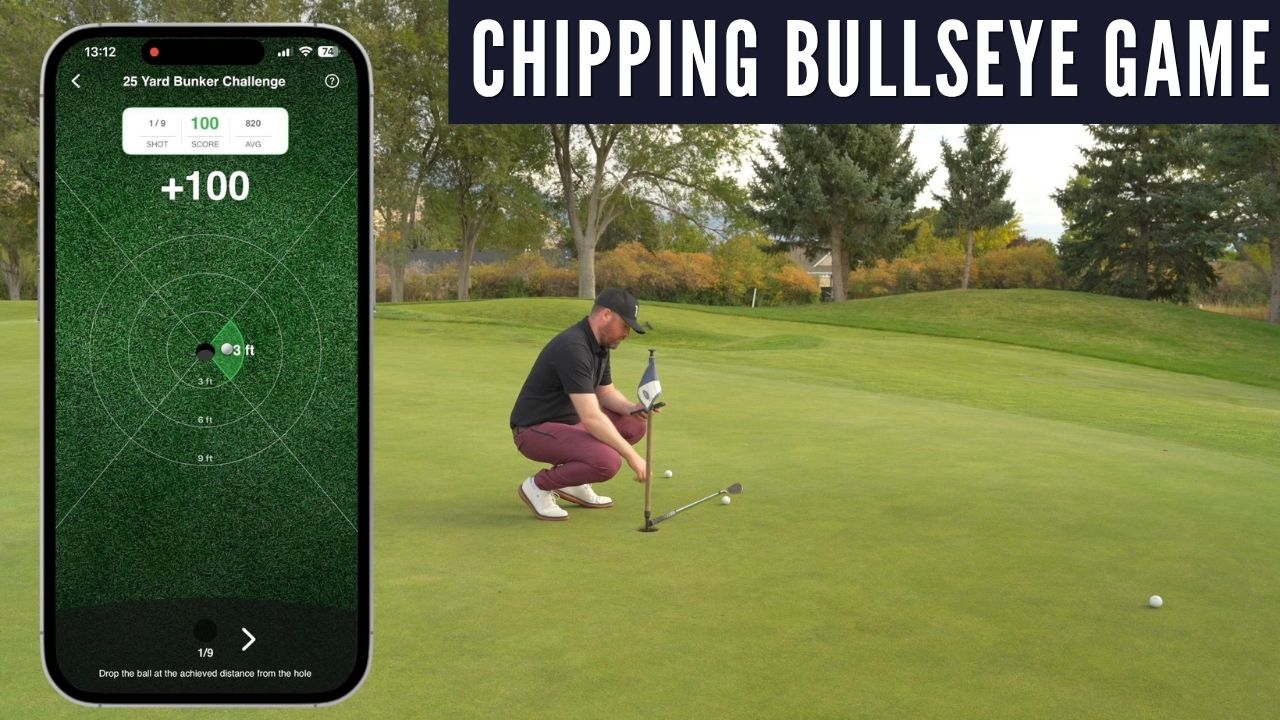
Set up a chipping bullseye around the hole, hit three-ball sets, and score each chip by how close it finishes to the target.
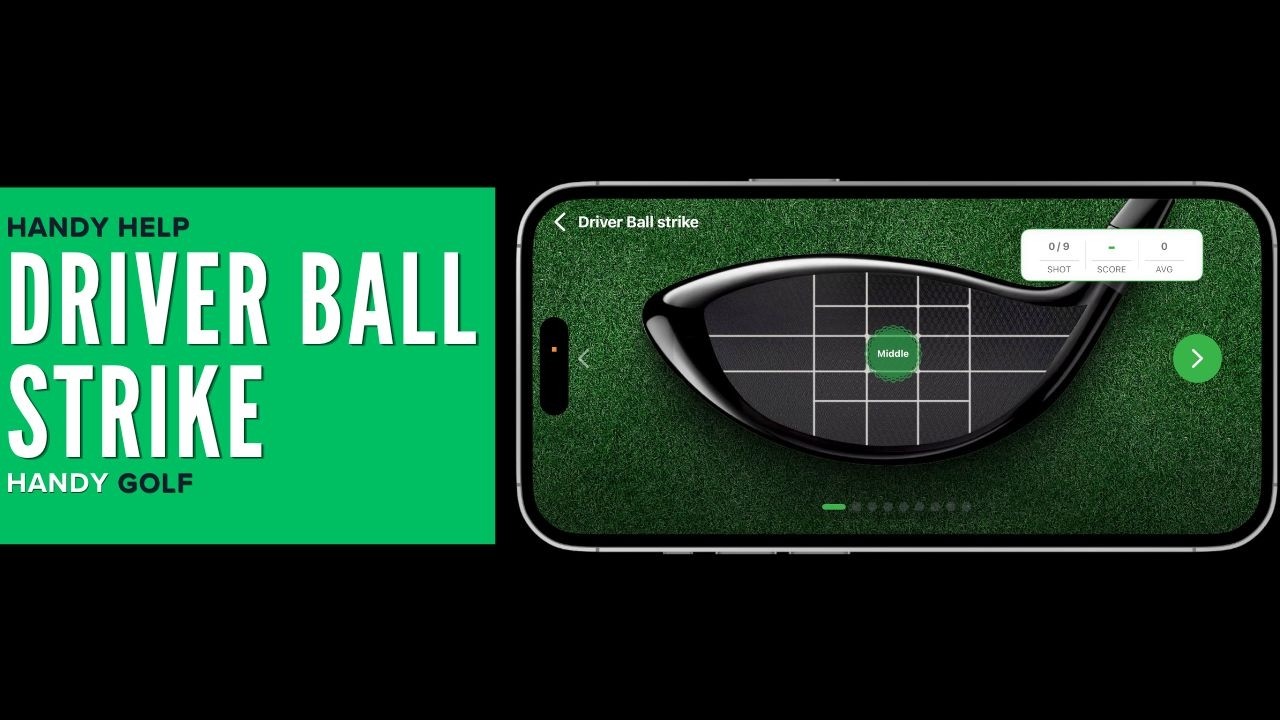
Learn three simple ways to see where your driver strikes the ball so you can record results in the app and improve distance, accuracy, and consistency.
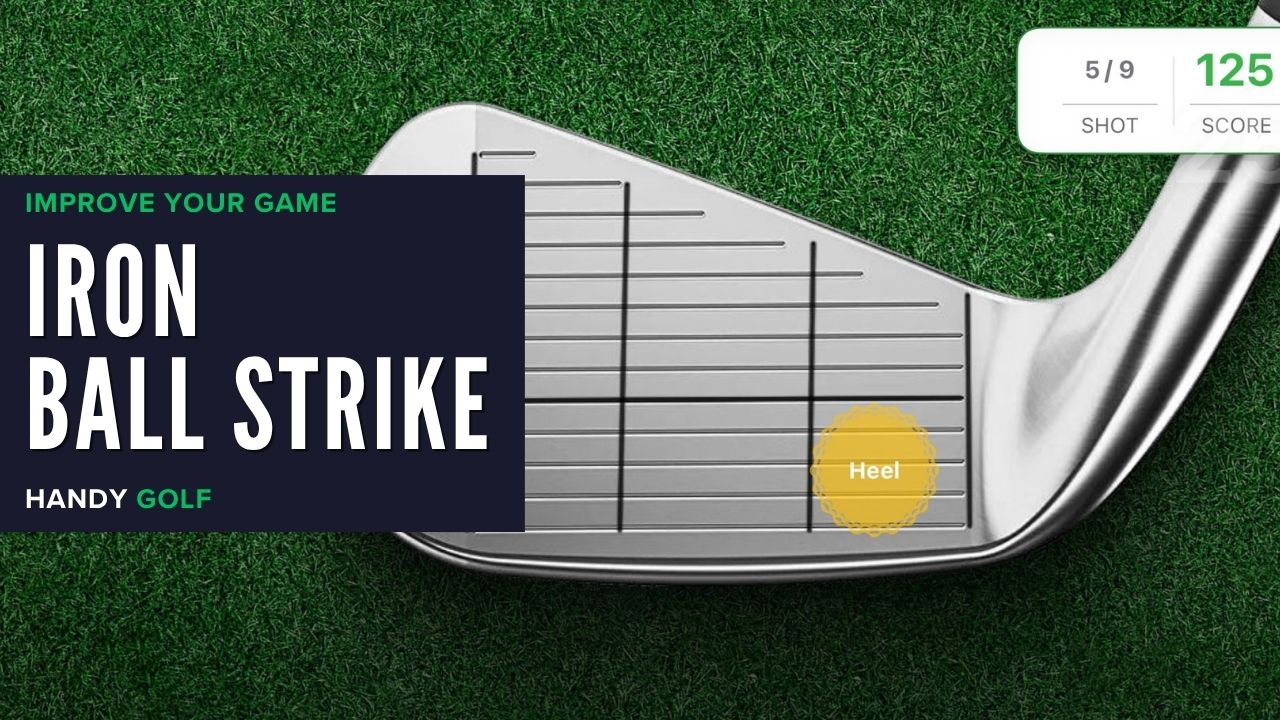
Learn how to record iron strike location in Handy Golf using marker pen, foot spray, or face tape, then track how consistently you find the centre.
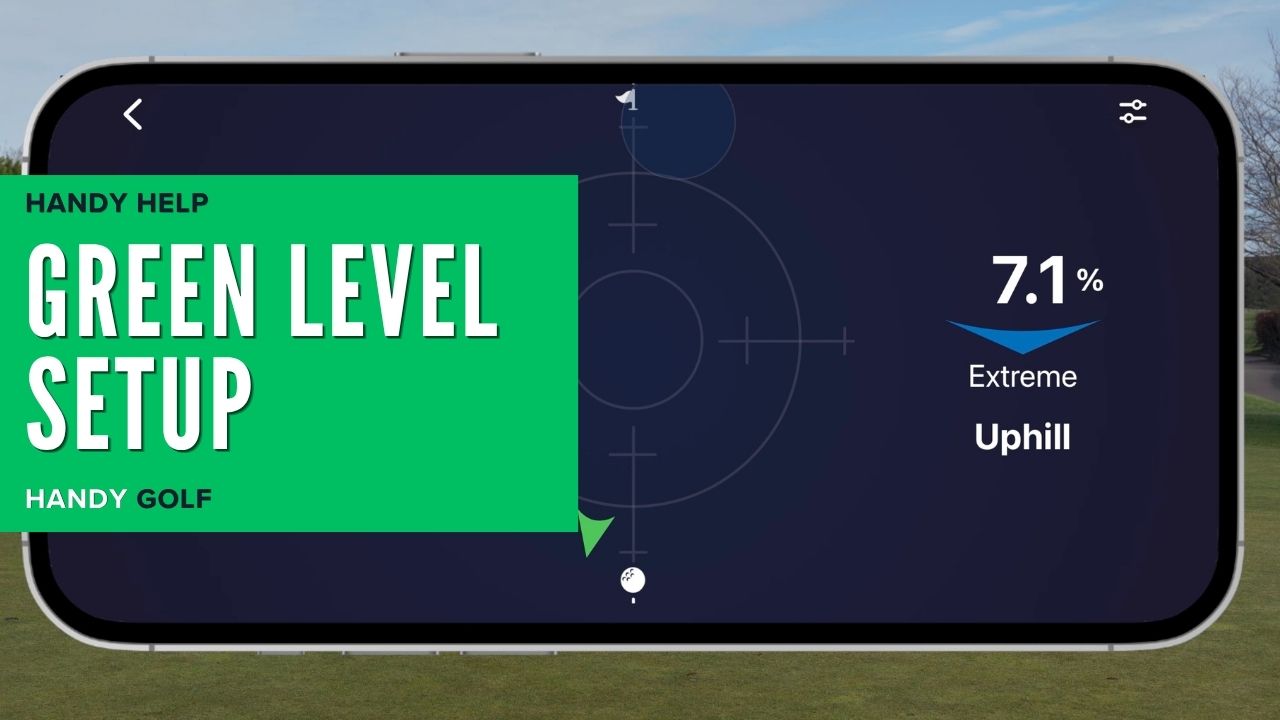
Learn how to calibrate the Green Level, read uphill and side slope, and use that information to improve your putting practice.
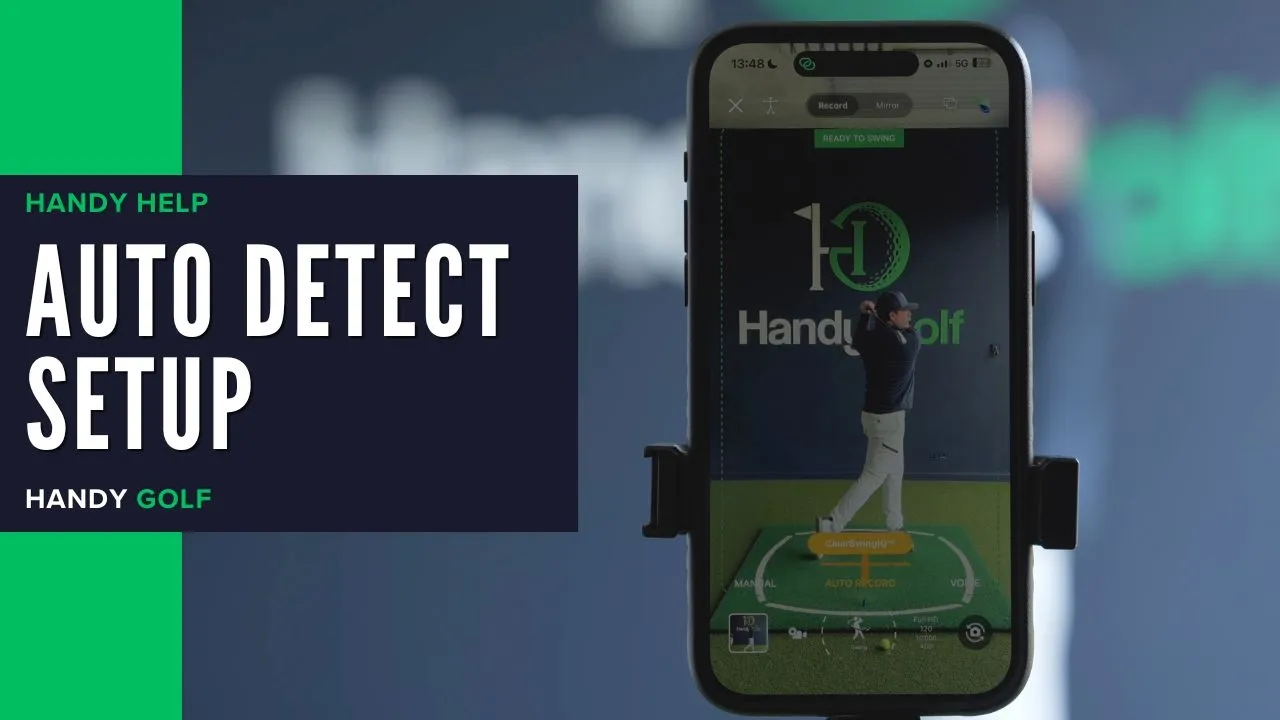
Learn how to use Auto Detect to capture multiple golf swings, save shot details, and review or annotate your swing in the app.
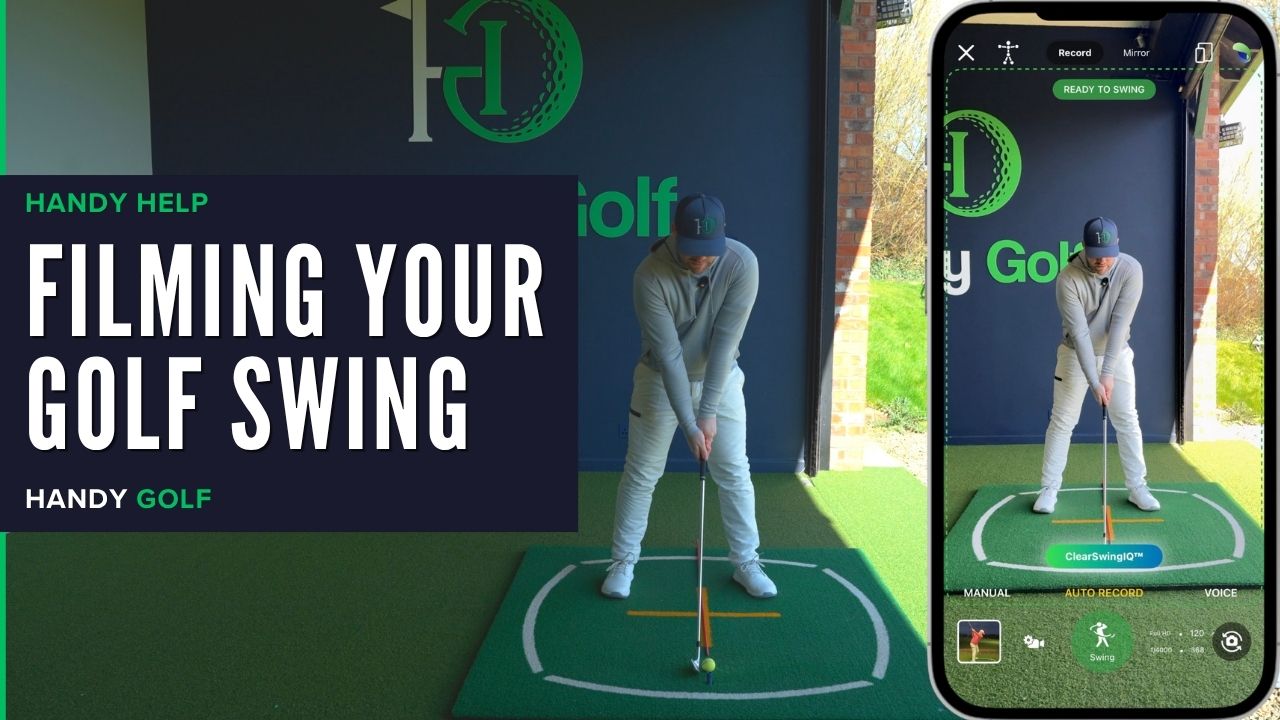
Learn the best camera setup for filming your golf swing down the line and face on using the Handy Golf app, a tripod, and consistent positioning.
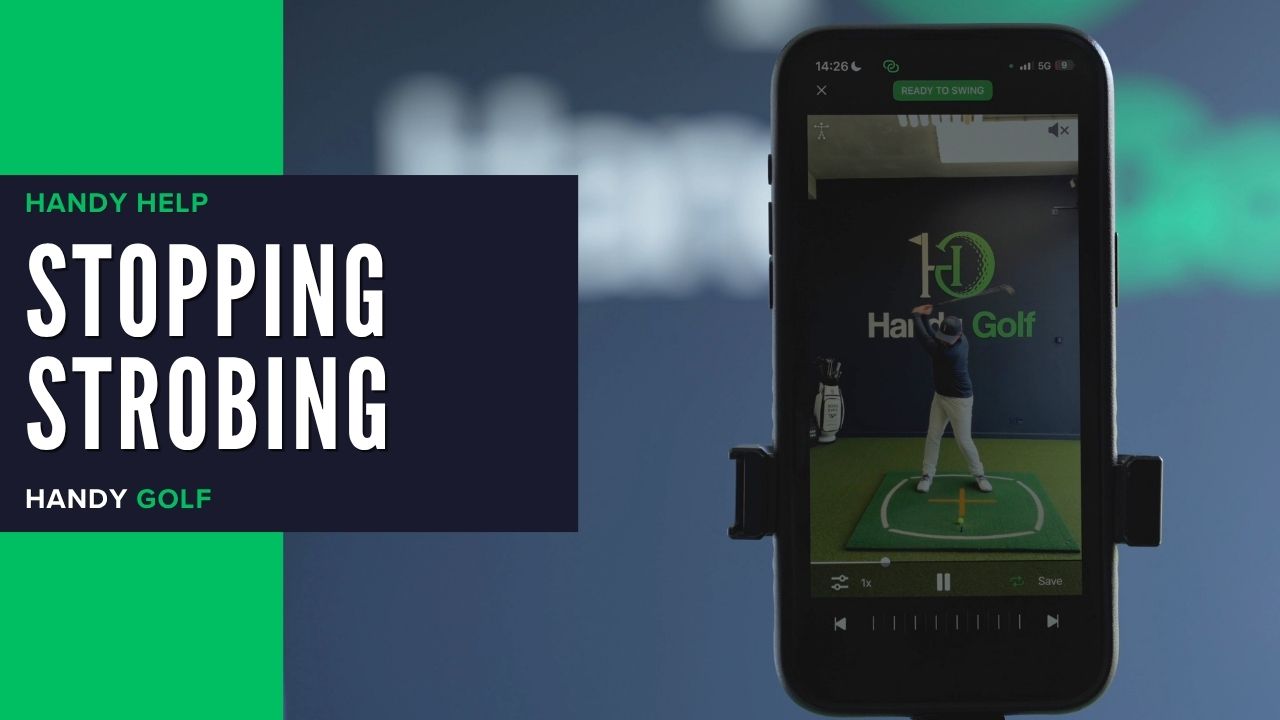
Learn why indoor lights can cause strobing in high-speed auto detect recordings and how to reduce flicker while filming your golf swing.

Learn how to mirror your iPhone or iPad to an AirPlay-compatible TV so you can use HandyGolf on a larger screen.
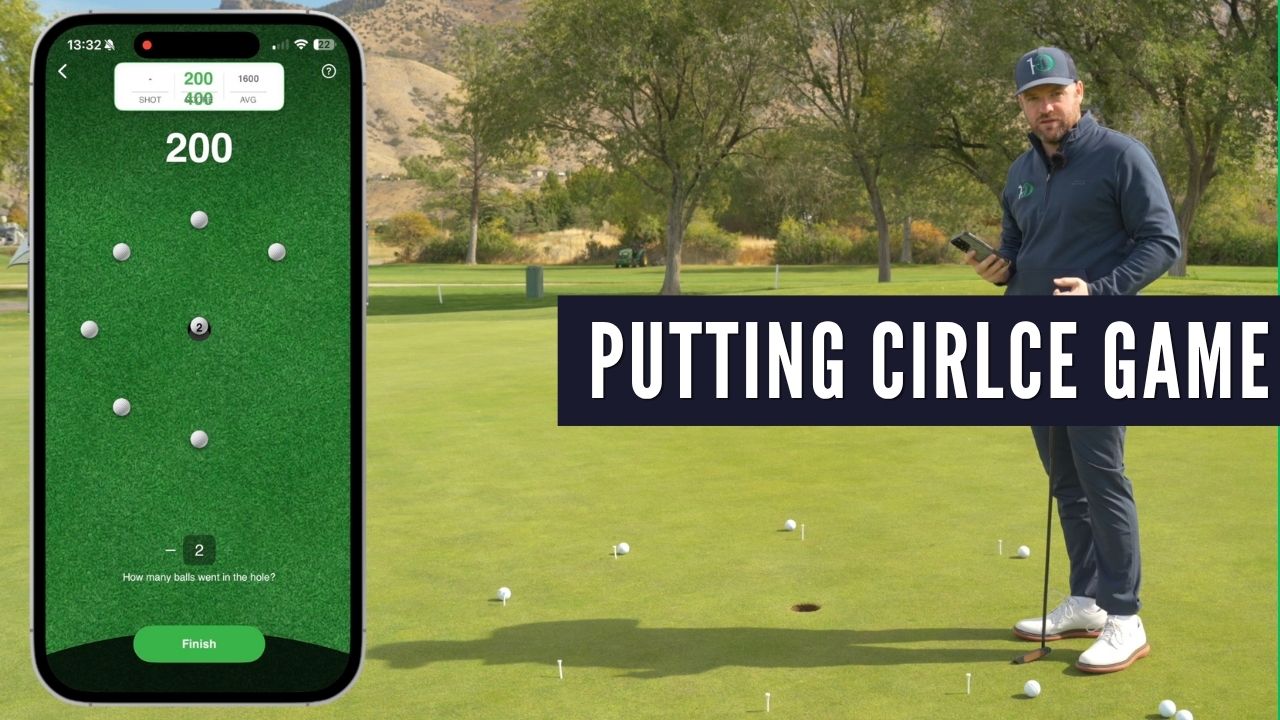
Learn how to mark out a putting circle drill with tees, putt from each station, and record your score in Handy Golf to track your putting stats.
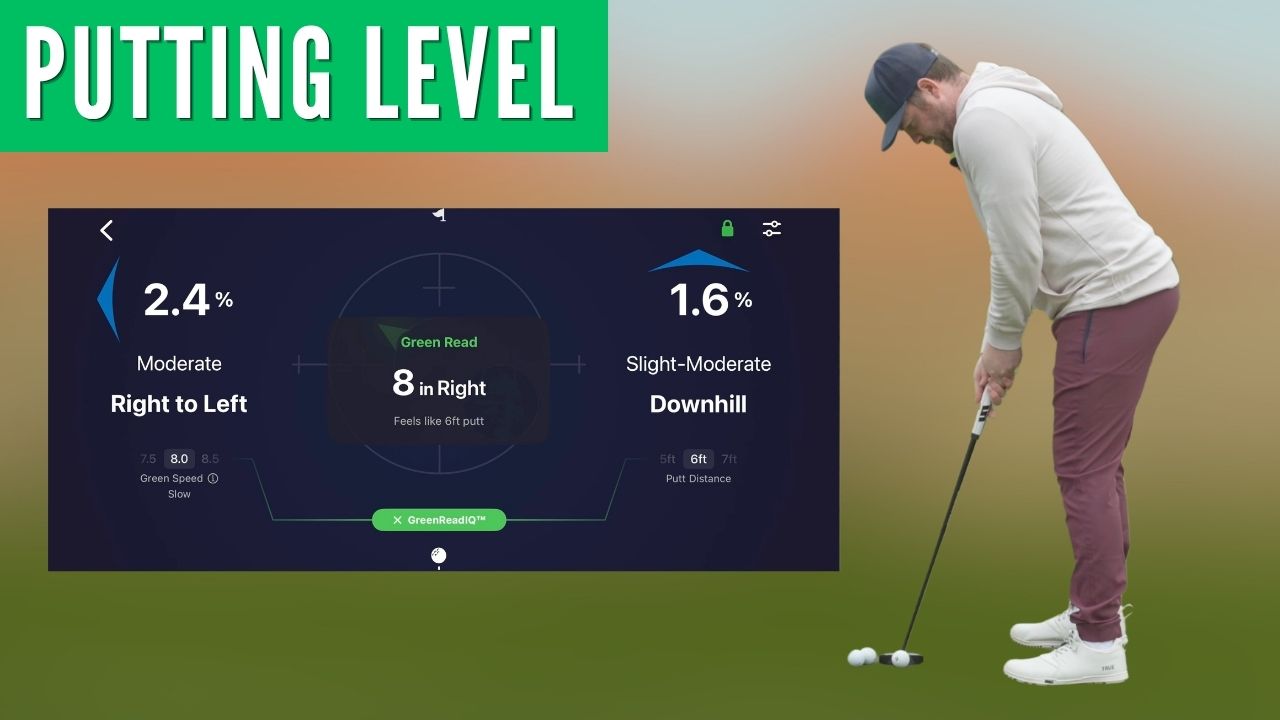
Learn how to calibrate the free Handy Golf Putting Level, set green speed and putt distance, and use Green Read IQ to read slope and aim your putts.
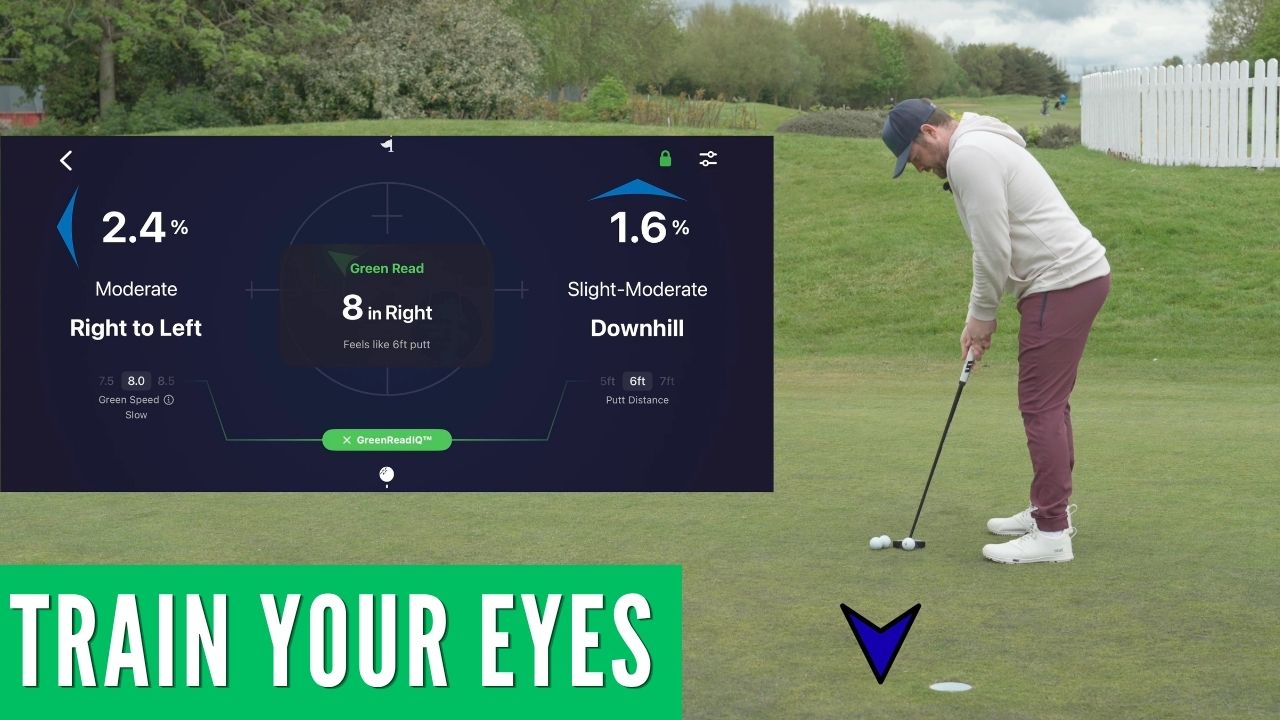
Learn a simple practice routine for improving green reading by guessing slope and break first, then checking your read with the Handy Golf Putting Level.
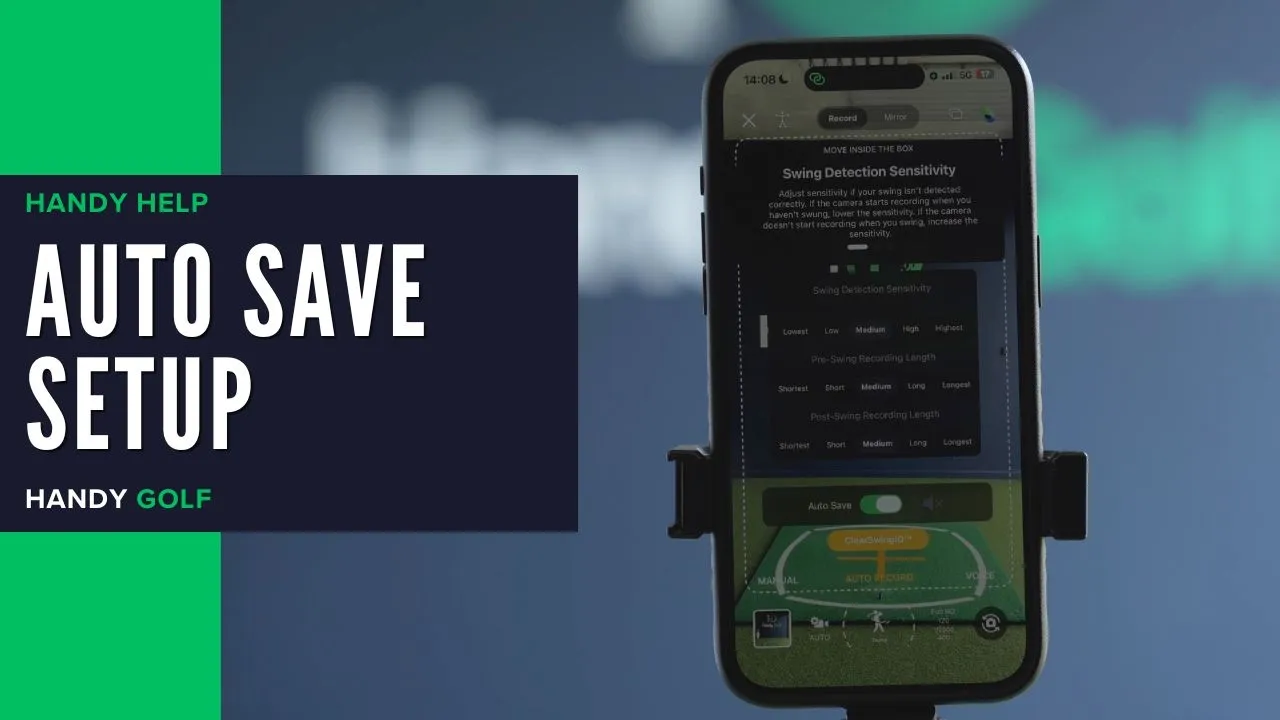
Learn how to enable or disable AutoSave for auto-recorded swings in Handy Golf’s Auto Detect Swing mode.
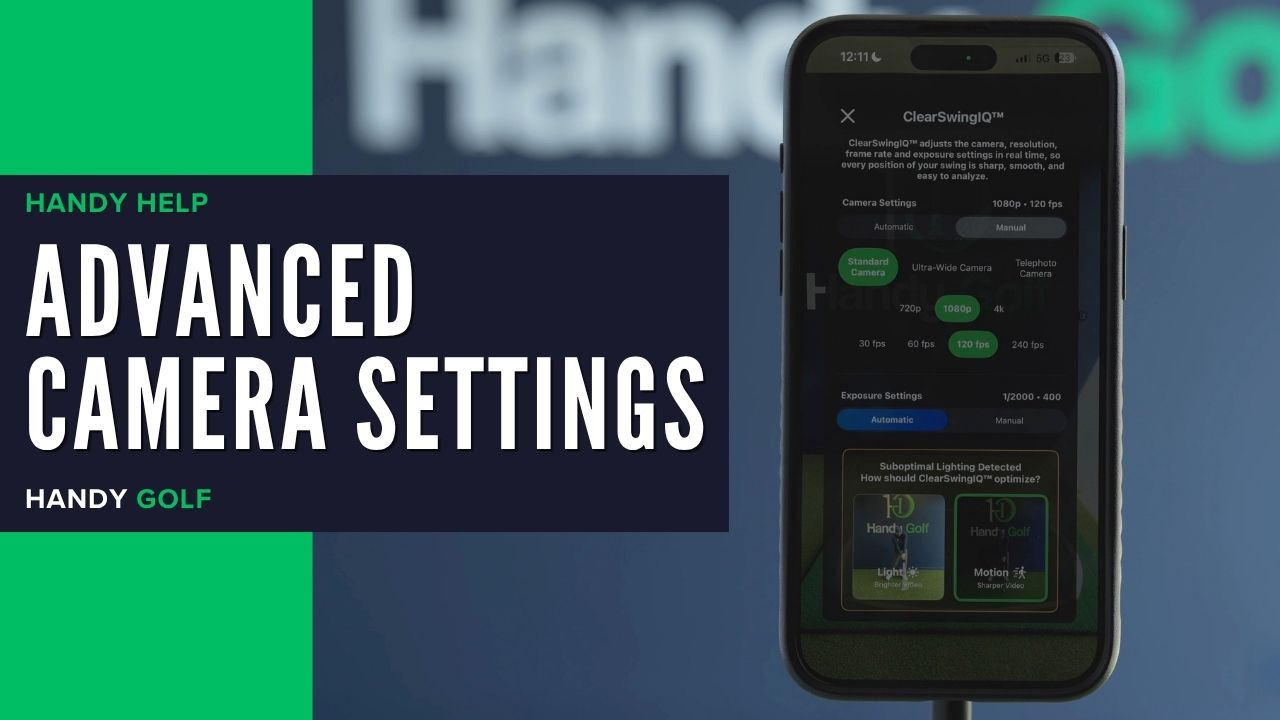
Learn when to use automatic or manual camera settings, including motion, light, shutter speed, ISO, camera lens, video quality, and FPS.
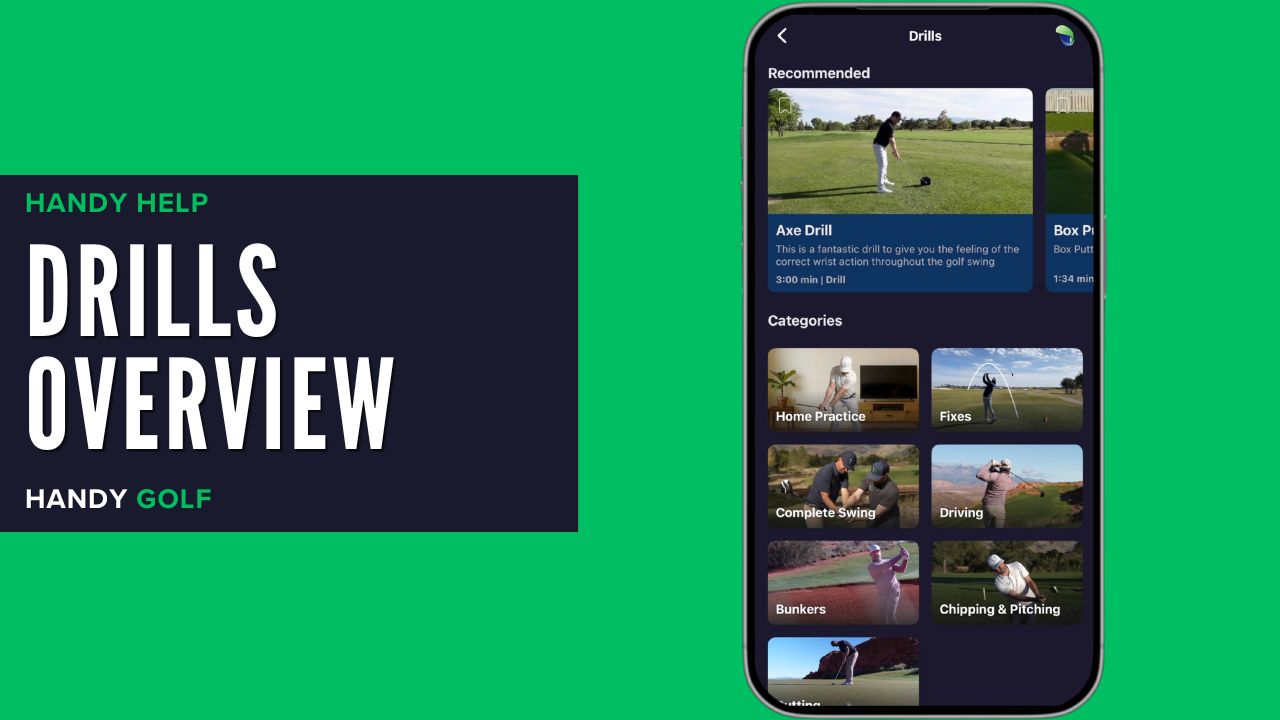
Learn how to find golf drills, choose categories, and use Drill Practice to follow along with videos using your camera, angles, speed, and mirror settings.
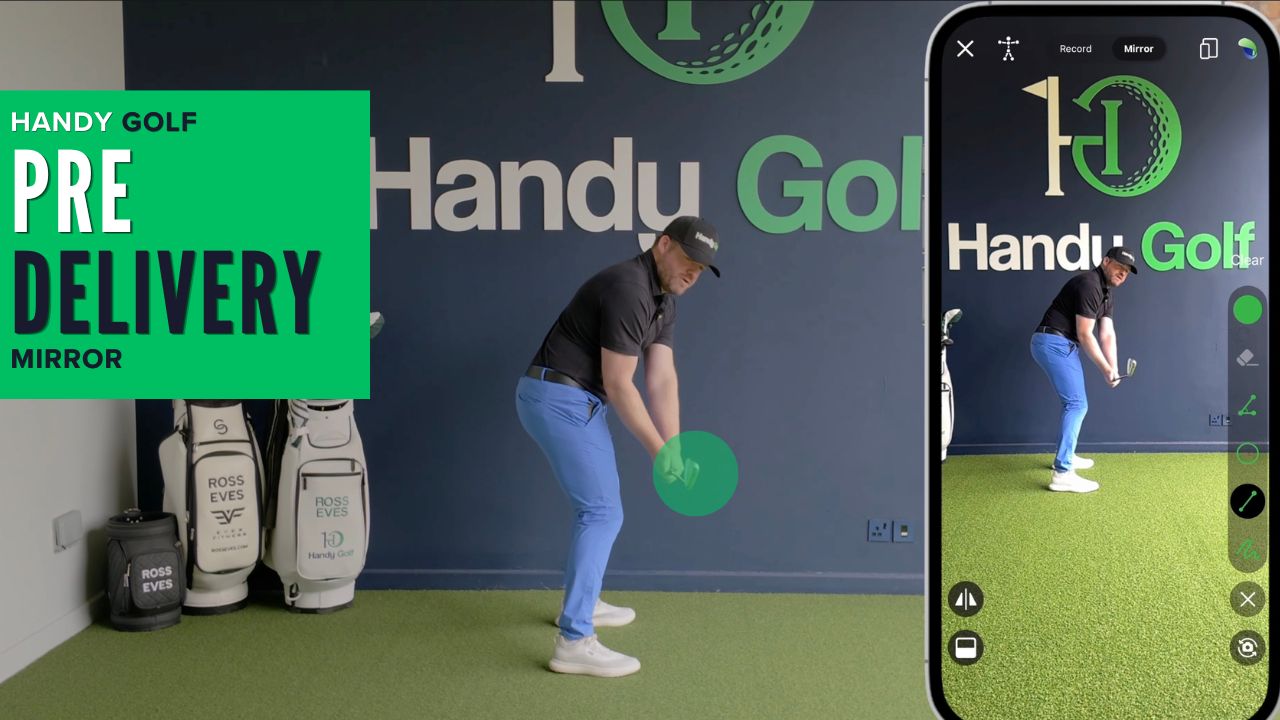
Use Handy Golf Mirror Mode to compare your downswing checkpoint to a reference image and improve the feel-versus-real of your golf swing.
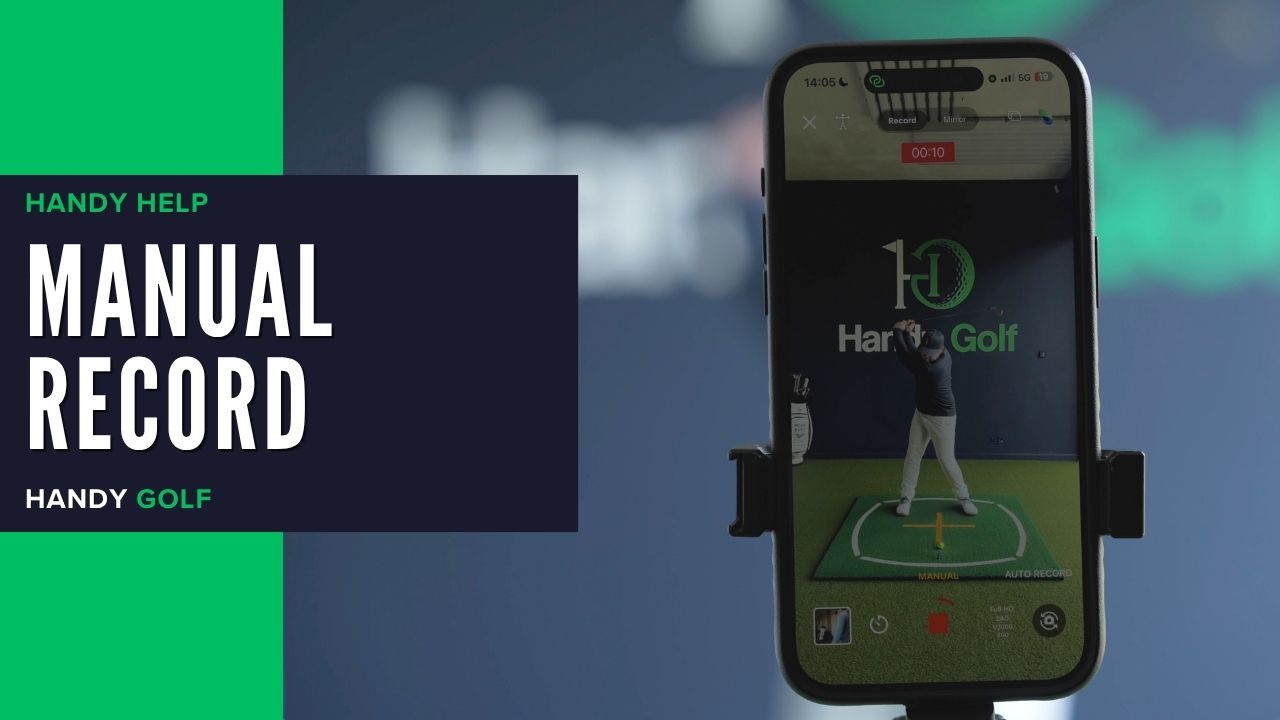
Learn how to manually record, stop, trim, and save a golf swing video in the Handy Golf app when filming yourself.
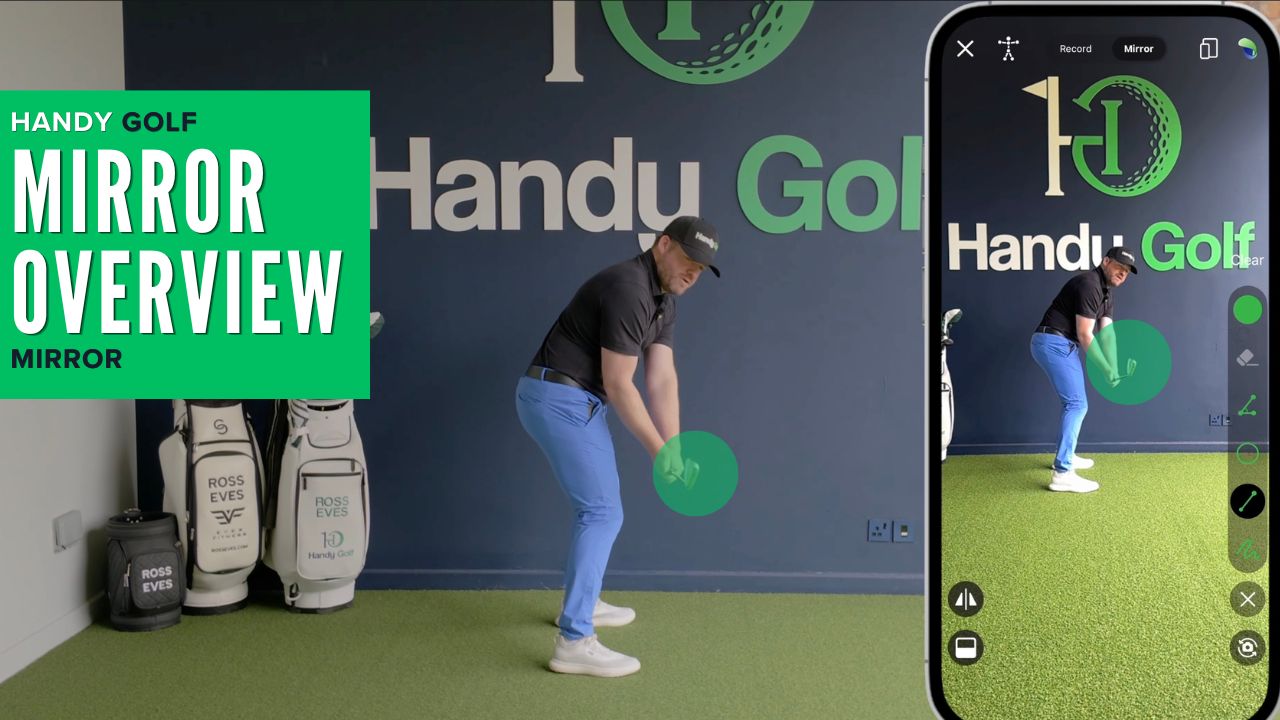
Learn how to use Handy Golf Mirror Mode to check positions, compare movements, draw reference lines, and practice your golf swing at home or on the range.
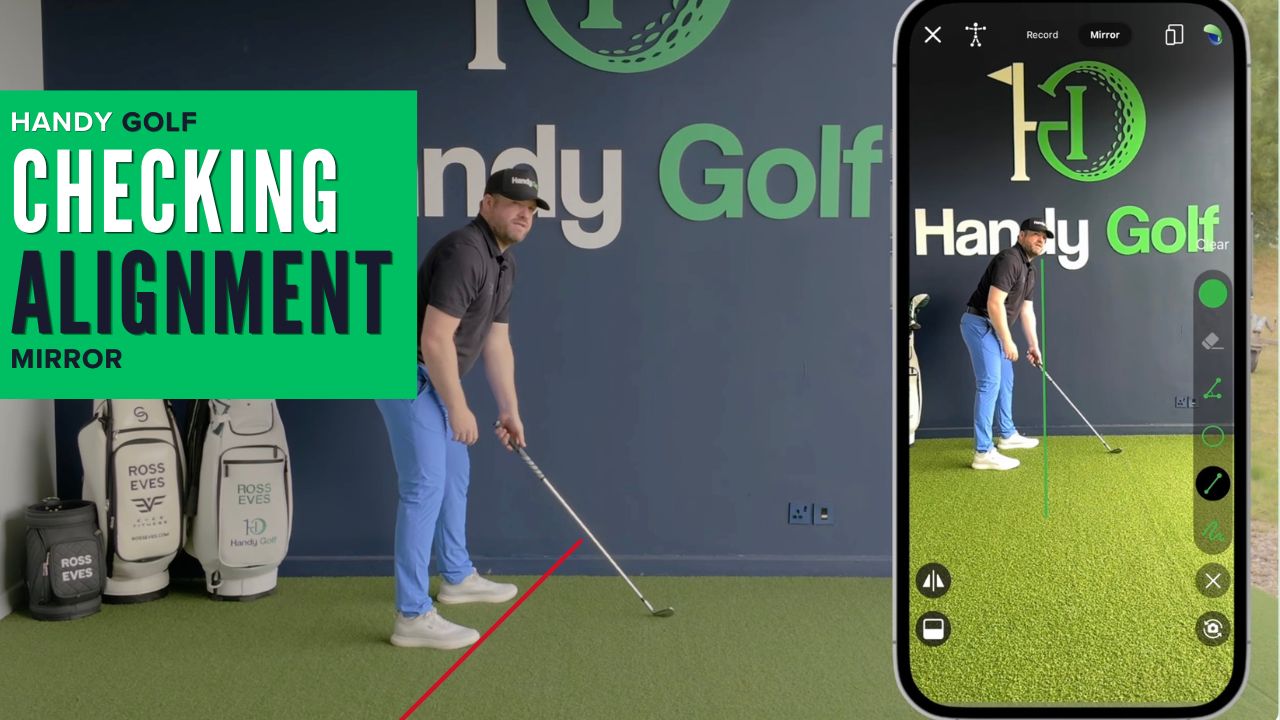
Use Mirror Mode and a simple reference line in Handy Golf to check your foot line, aim, and setup alignment at home or on the range.
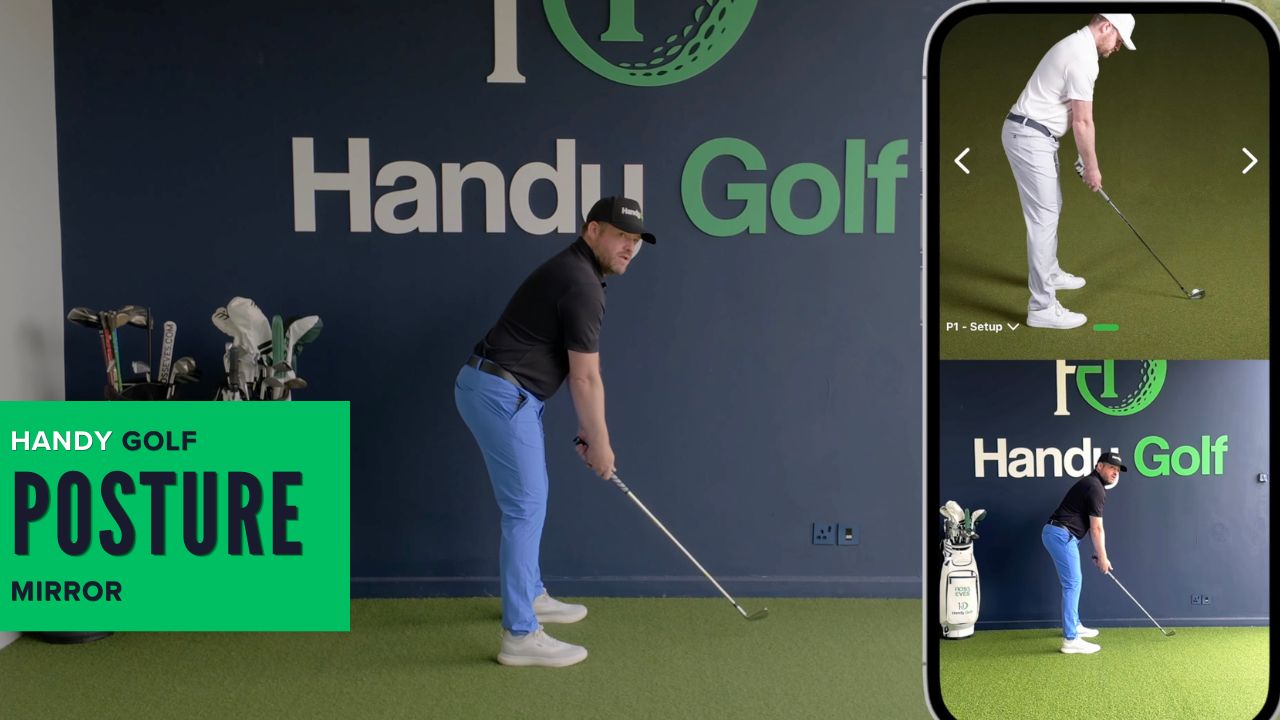
Use Handy Golf’s Mirror Mode and reference images to compare your setup, spot posture faults, and build a better address position.
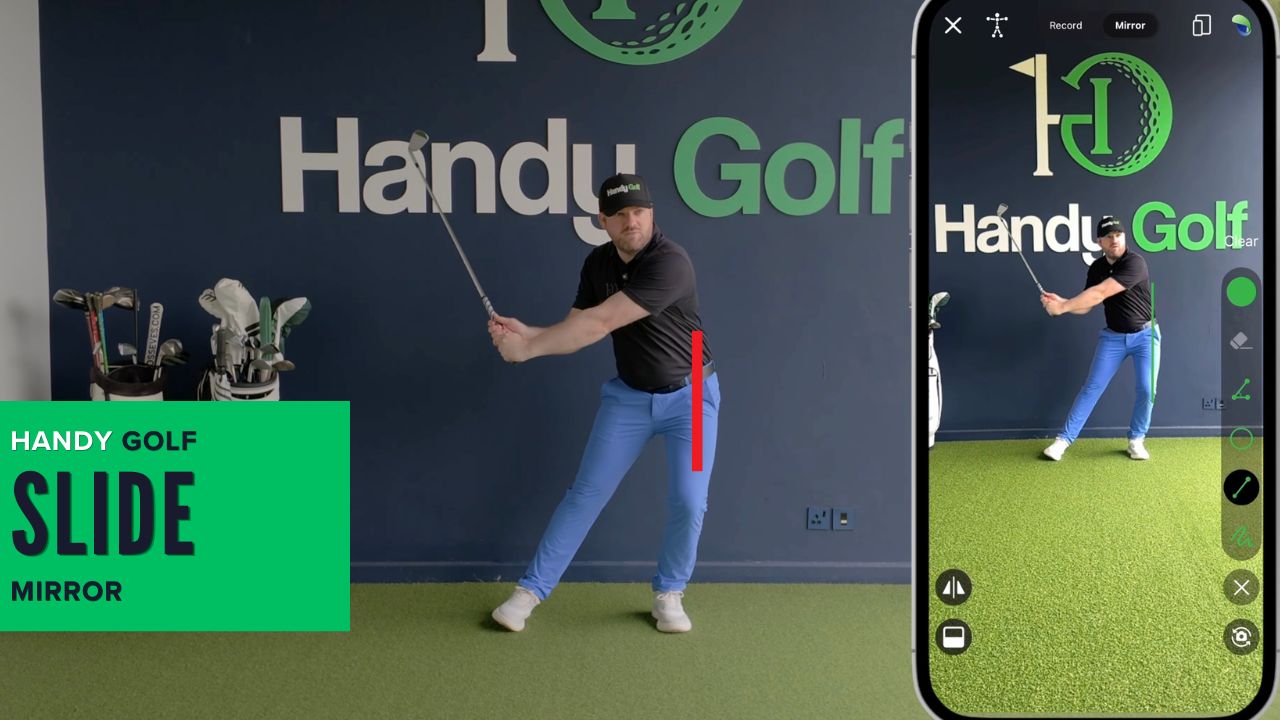
Use Mirror Mode and a simple reference line outside your lead foot to spot and reduce sliding during the downswing.
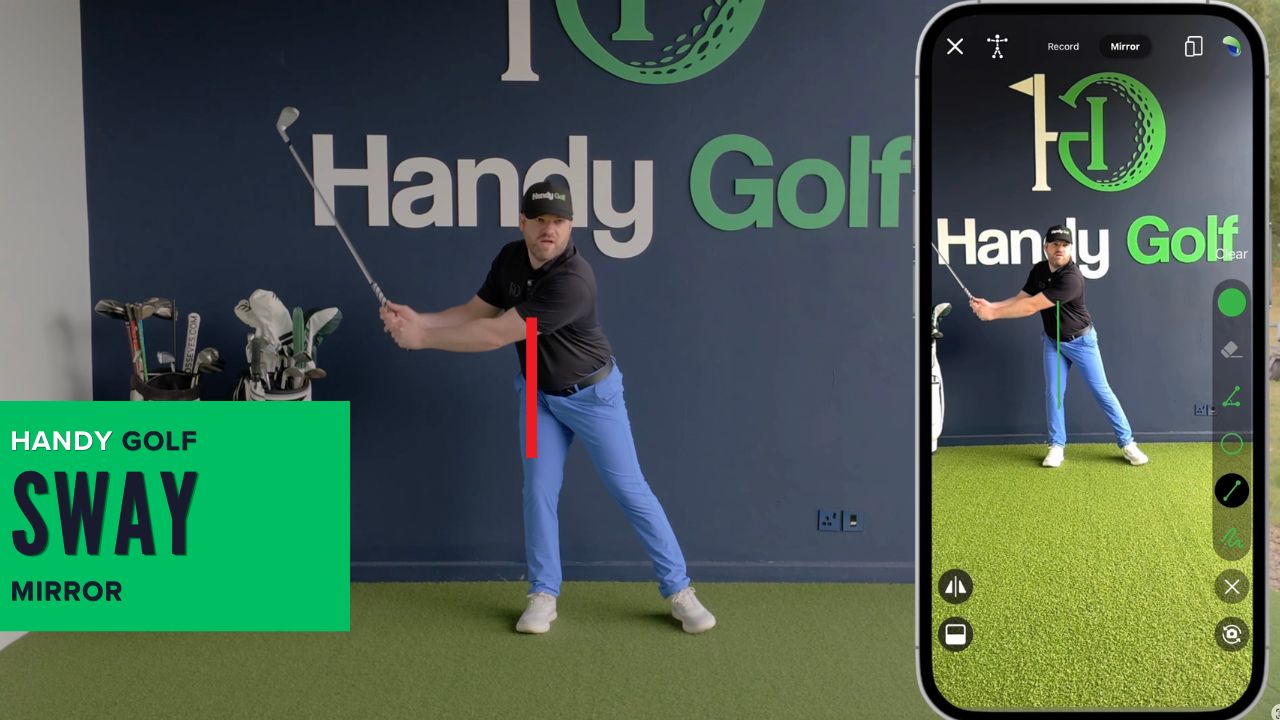
Learn how to use Handy Golf’s Mirror Mode and line drawing tool to monitor hip movement and reduce sway during your golf swing.
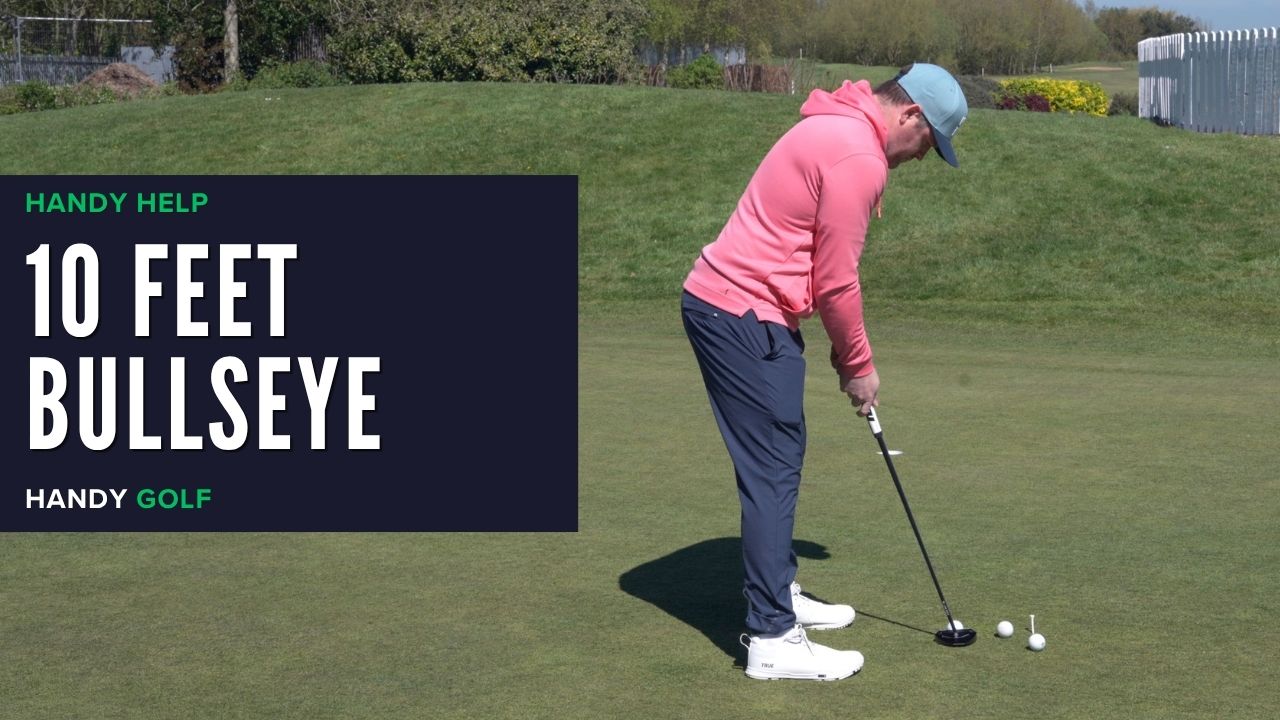
Learn how to combine a 10-foot putting station, green reading, pace control, and start-line feedback to identify what to practice next.
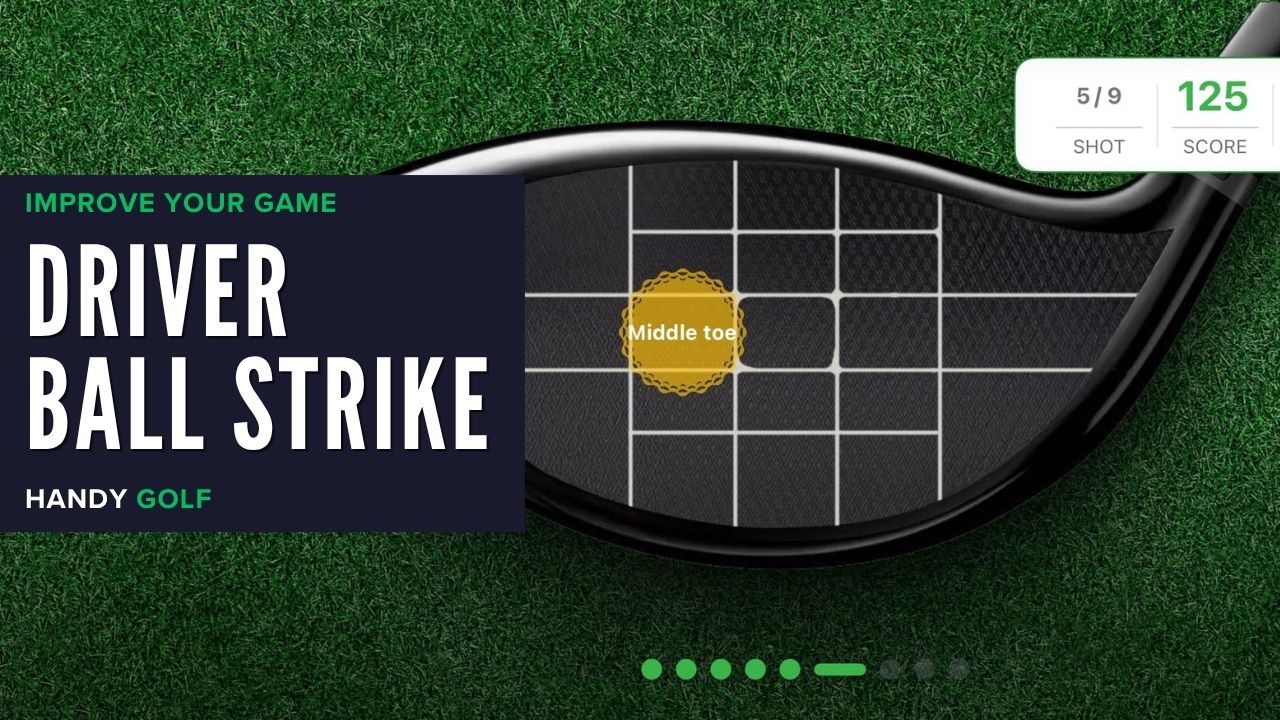
Learn how the HandyGolf Driver Ball Strike Game builds strike awareness so you can find the center of the face, reduce hooks and slices, and gain distance.
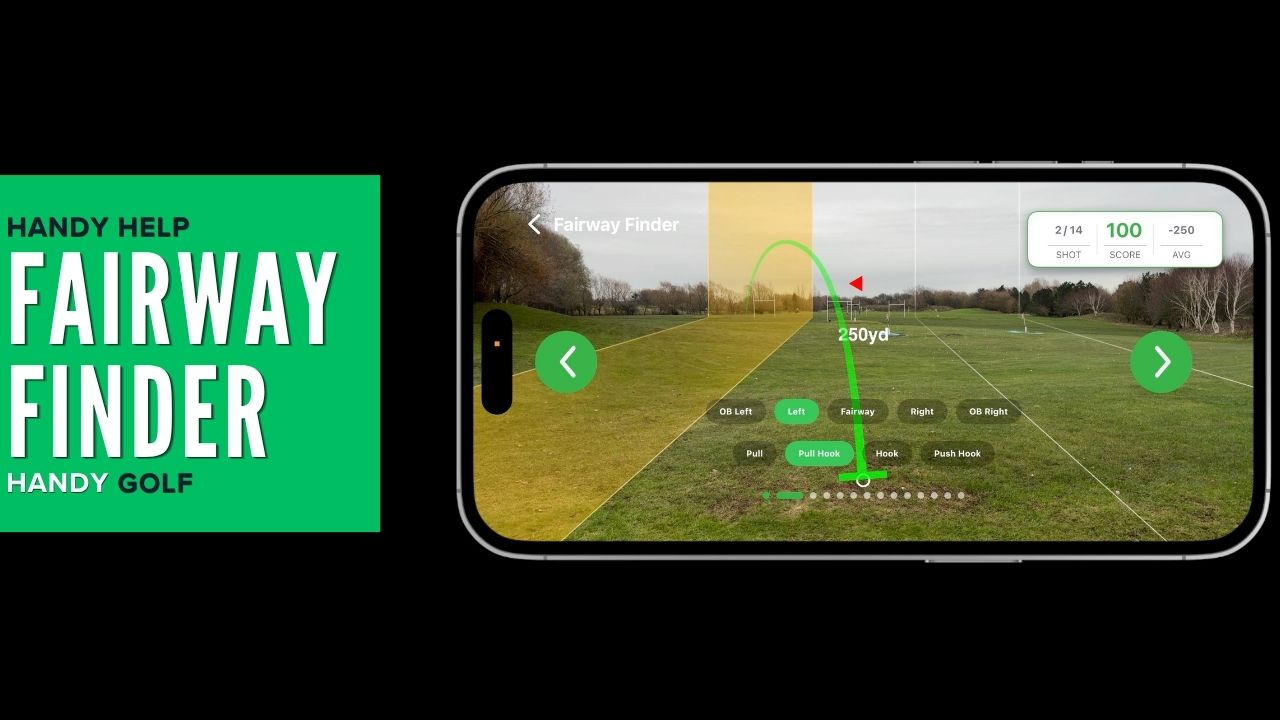
Learn how to set up, calibrate, and score the Fairway Finder game to track fairways hit, misses, OB shots, and shot shapes during driver practice.
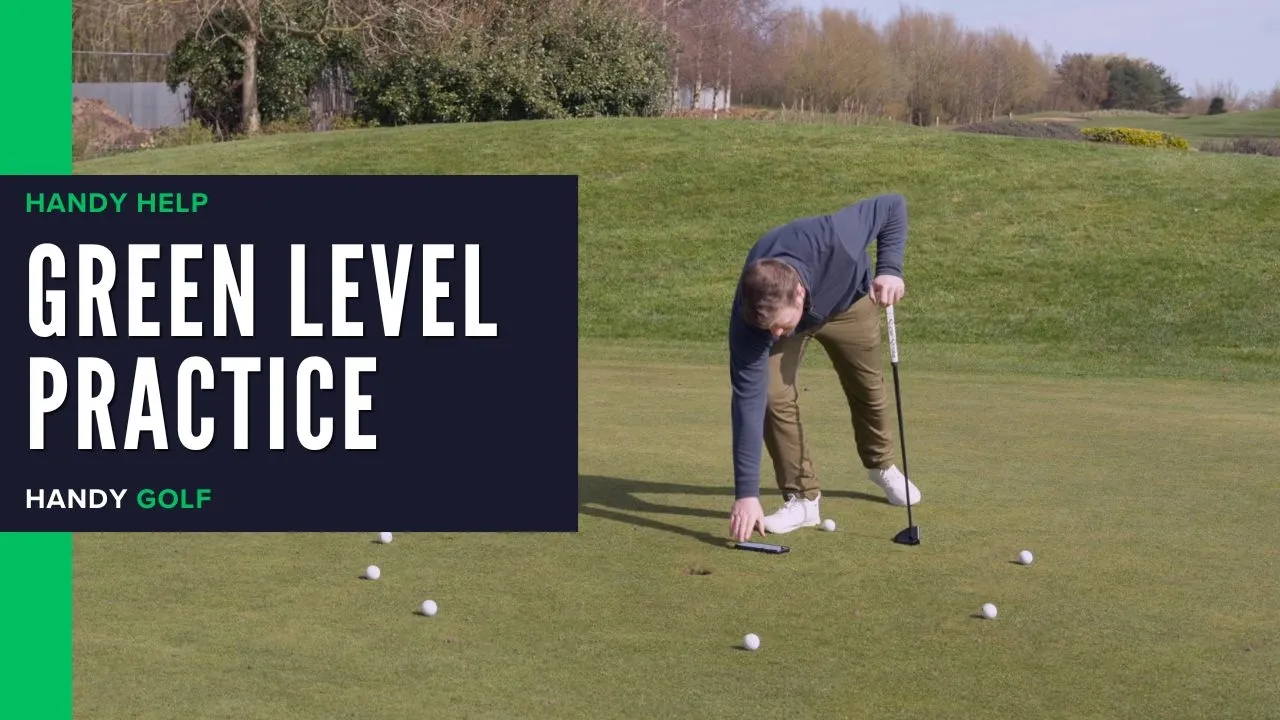
Improve short-putt green reading by using the Handy Golf Green Level to learn how slope percentage affects break, speed, and aim.
Learn how to record and analyze your swing, use Mirror Mode, play practice games, read greens, and follow drills in the HandyGolf app.
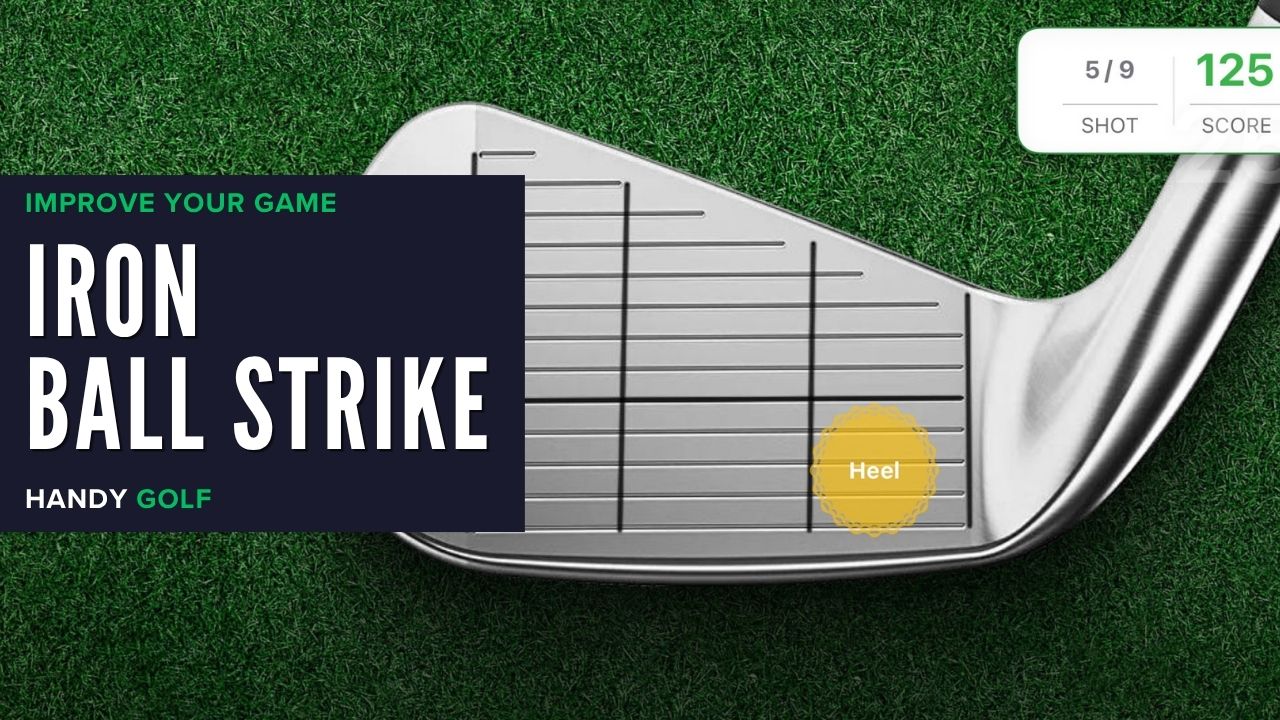
Track where your irons strike the clubface, spot heel/toe patterns, and use carry-distance feedback in the HandyGolf app to improve ball striking on the range.
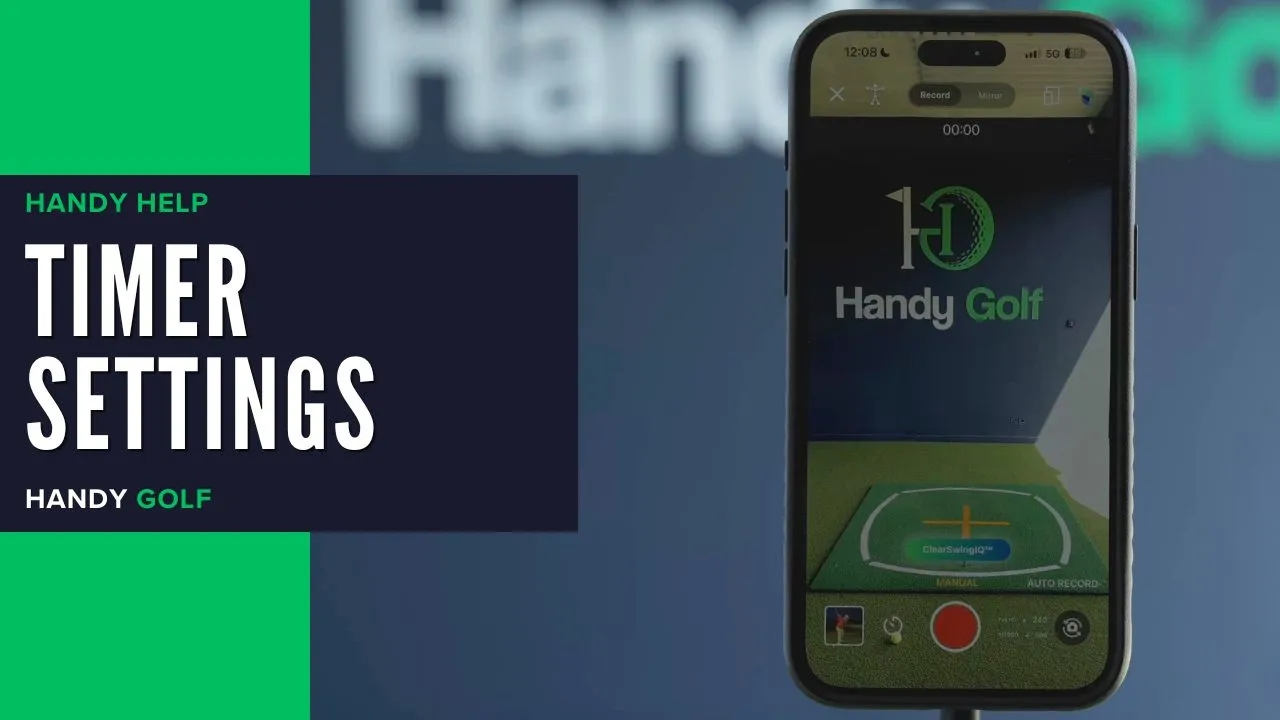
Learn how to set wait time, recording length, flash, and sound countdowns for recording your golf swing in manual record mode.
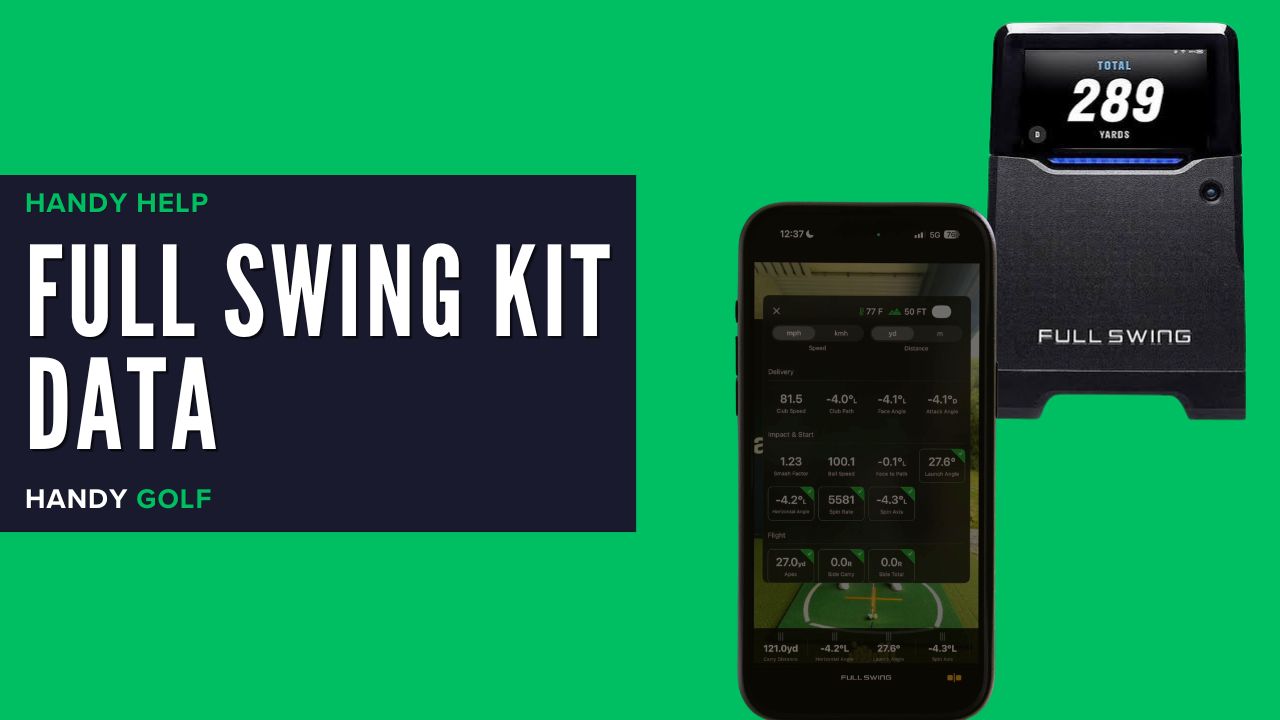
Learn how to expand, add, remove, and reorder Full Swing KIT data tiles attached to swings in the HandyGolf app.
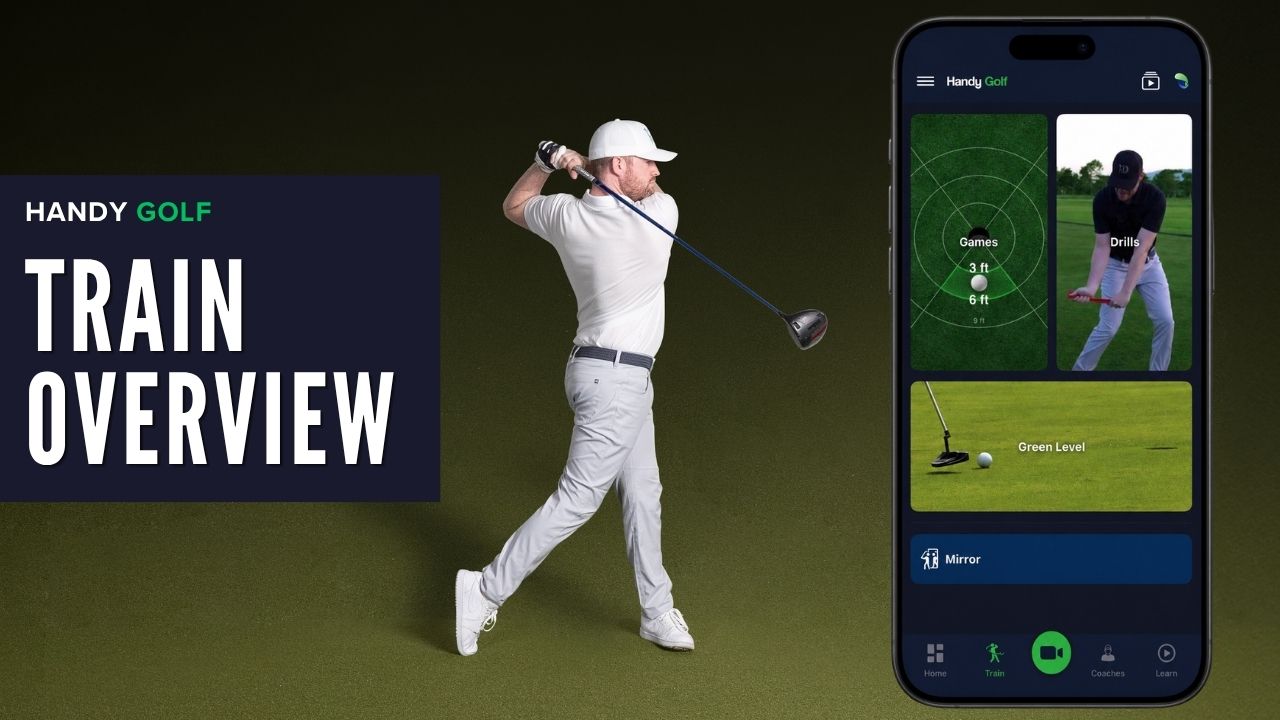
Learn how to use the Handy Golf Train menu, including games, drills, Green Level, and Mirror Mode to improve your golf practice.
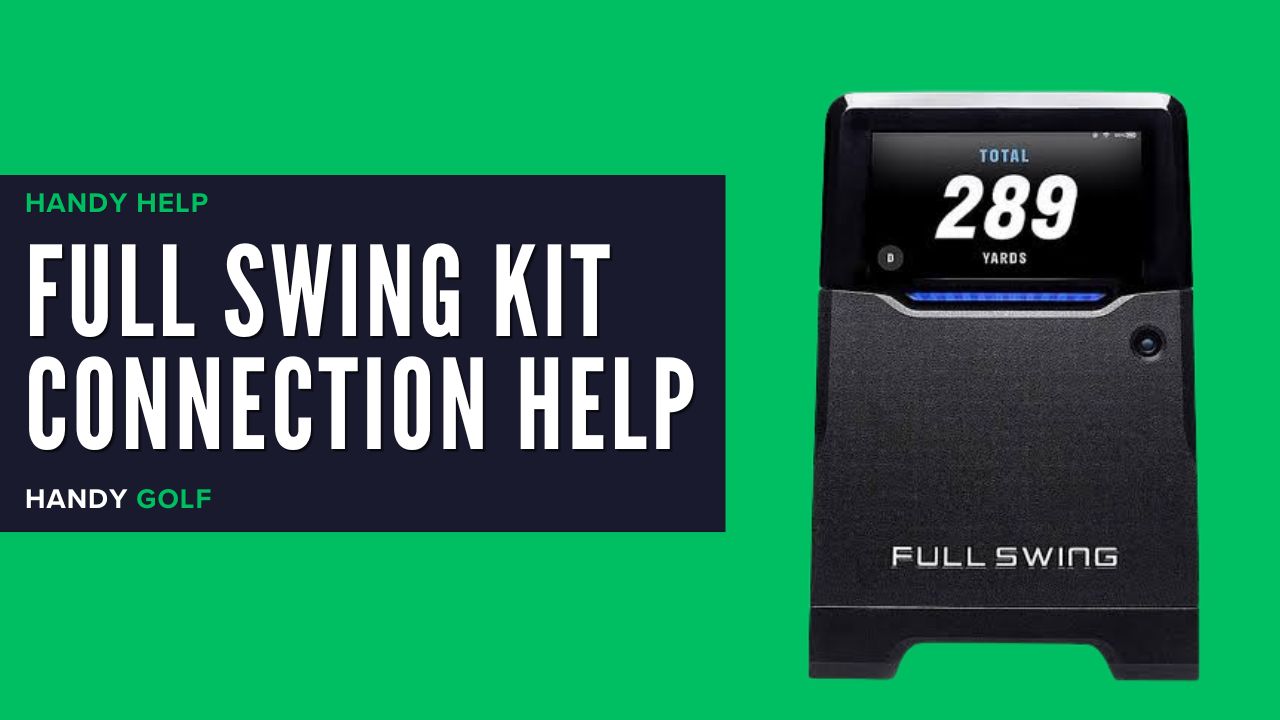
Learn how to connect your Full Swing Kit to the Handy Golf app and fix common issues with Wi-Fi, Bluetooth, app registration, and live sessions.
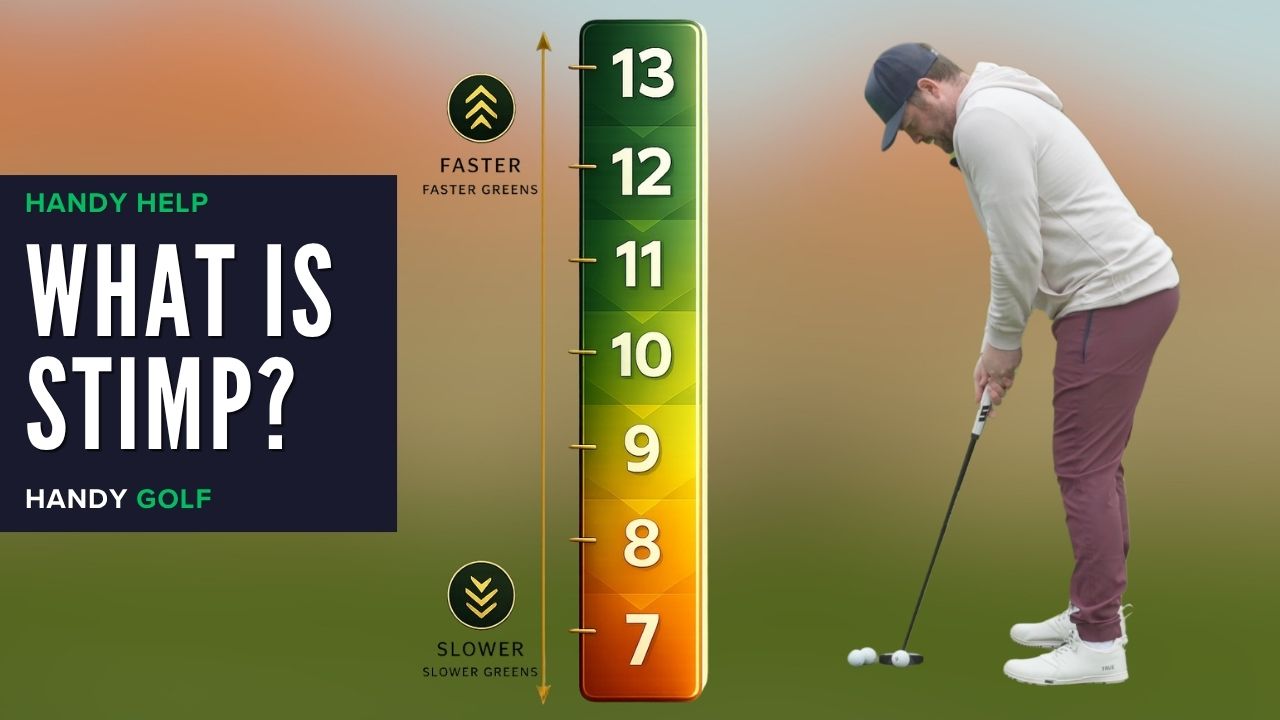
Learn what stimp means, how green speed is measured, typical stimp readings, and how to estimate stimp for better putting reads in HandyGolf.
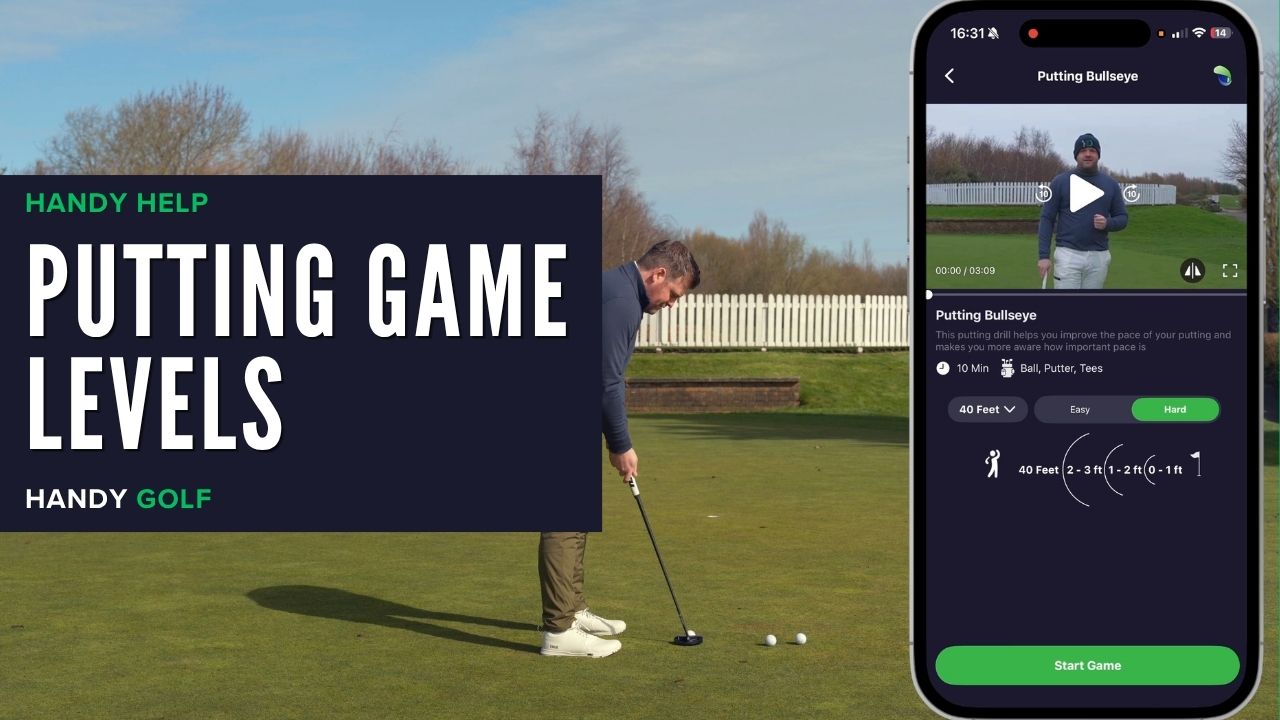
Learn when to use hard or easy mode in Lag Bullseye putting games to improve distance control and reduce three-putts.

From swing analysis at the range to structured practice at home and performance tools on the course, Handy Golf helps you improve wherever you train.

