
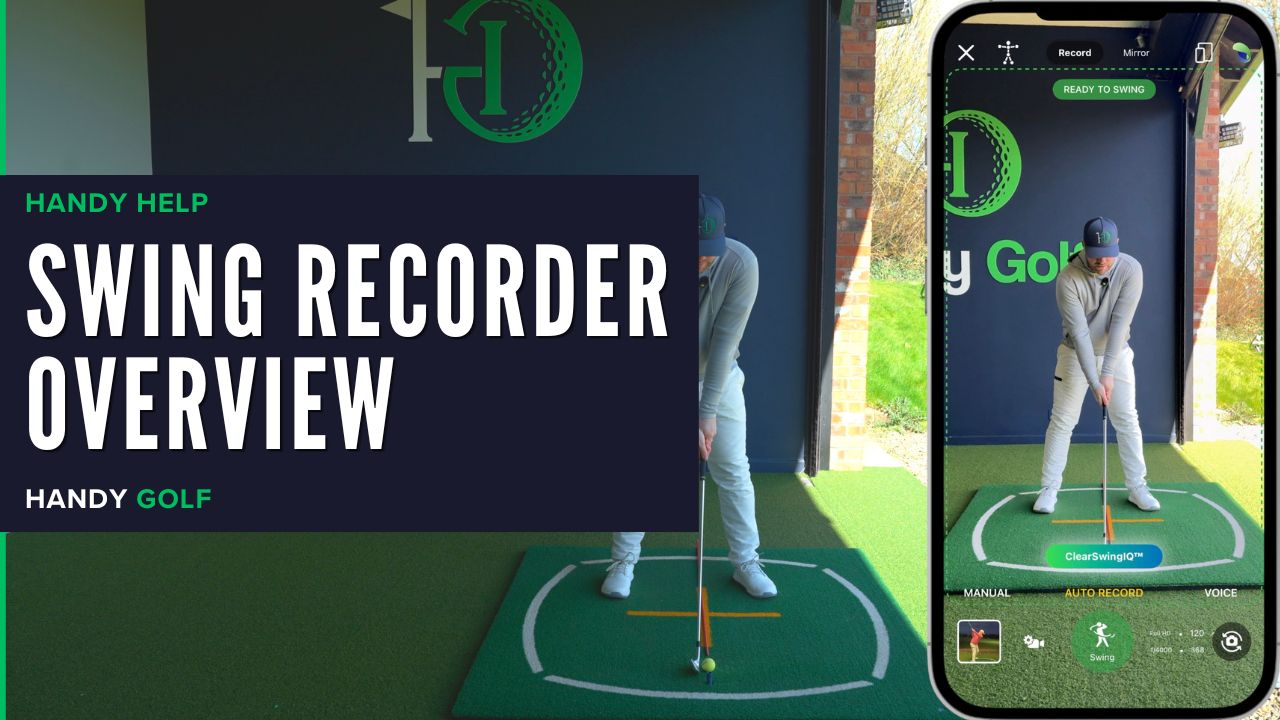
Handy Golf Swing Recorder Overview
Learn how to open the Handy Golf Swing Recorder, choose capture modes, use auto record, review swing videos, and save clips to your library.
Learn how to open the Handy Golf Swing Recorder, choose capture modes, use auto record, review swing videos, and save clips to your library.
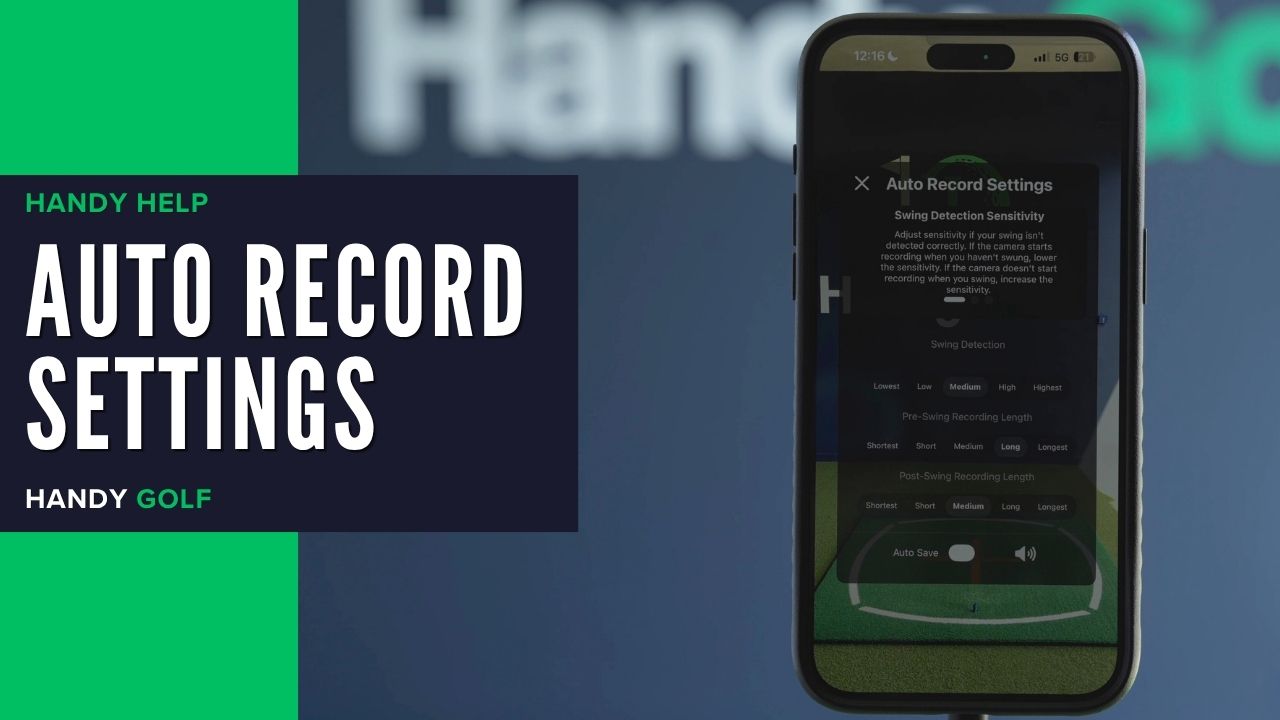
Learn when and how to change Auto Record swing detection, pre-swing length, and post-swing length for cleaner golf swing videos.
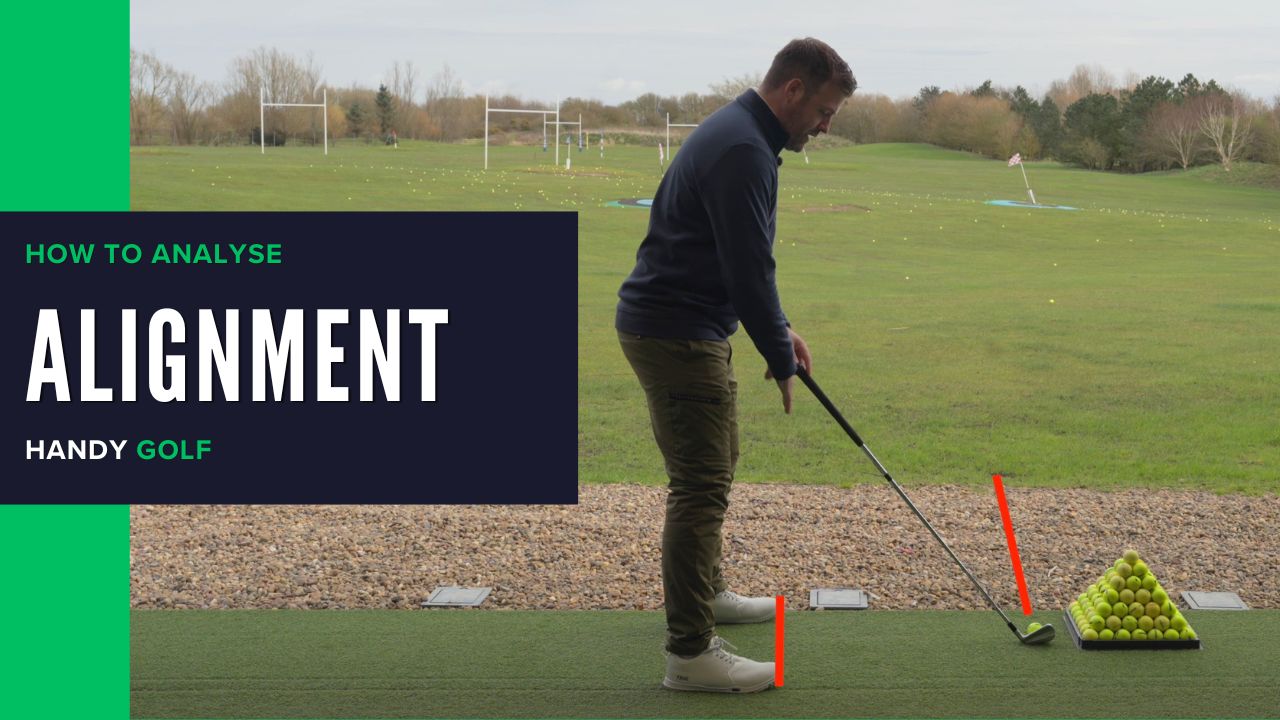
Use the Handy Golf line tool to identify square, open, and closed alignment and understand how each setup can influence your ball flight.
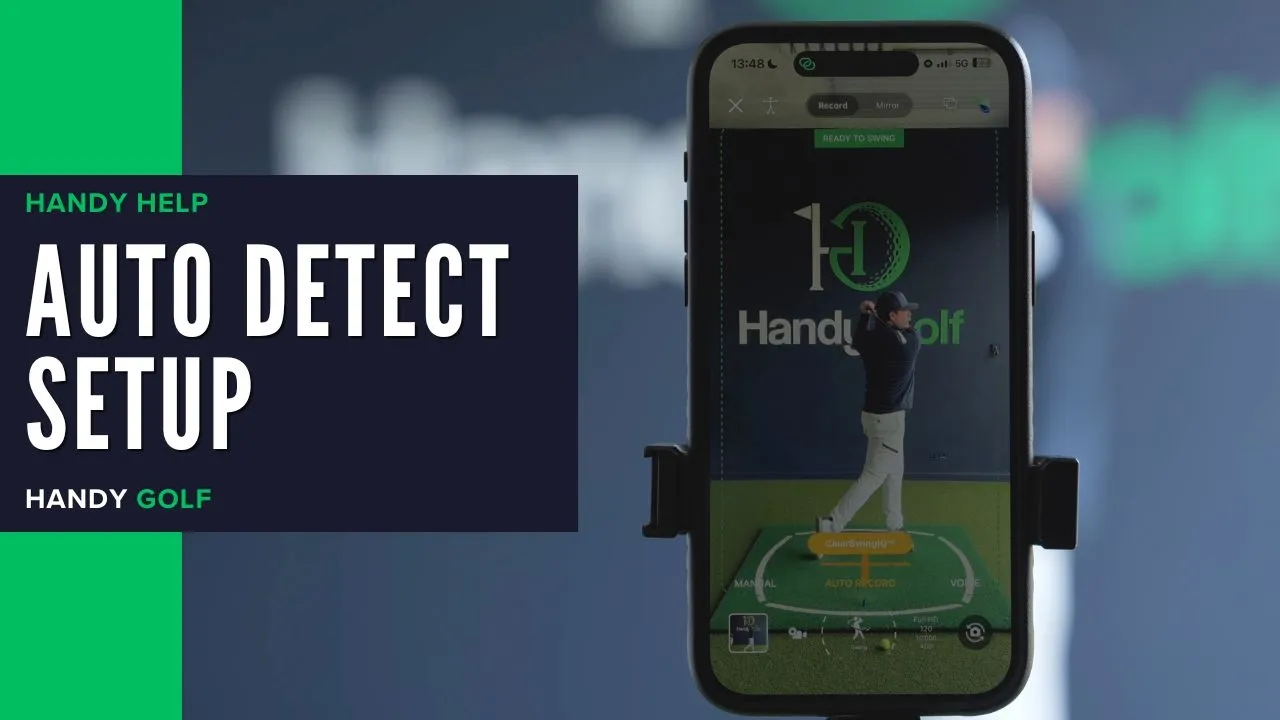
Learn how to use Auto Detect to capture multiple golf swings, save shot details, and review or annotate your swing in the app.
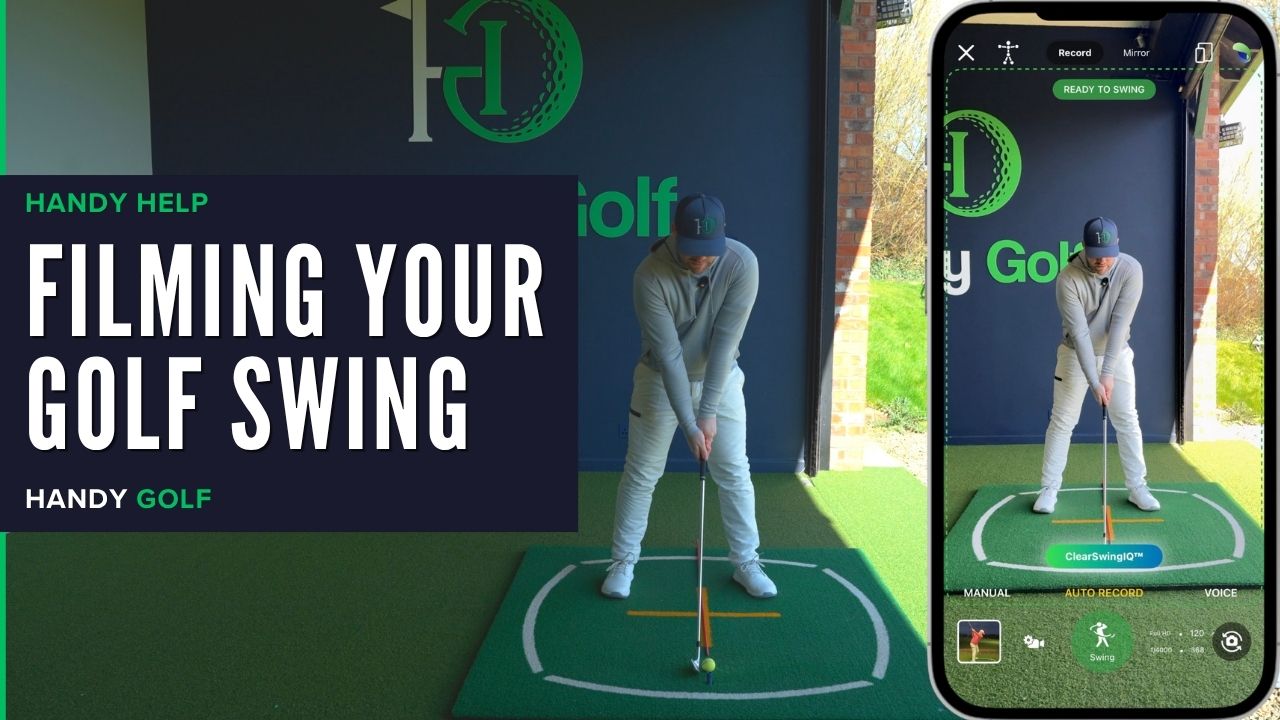
Learn the best camera setup for filming your golf swing down the line and face on using the Handy Golf app, a tripod, and consistent positioning.
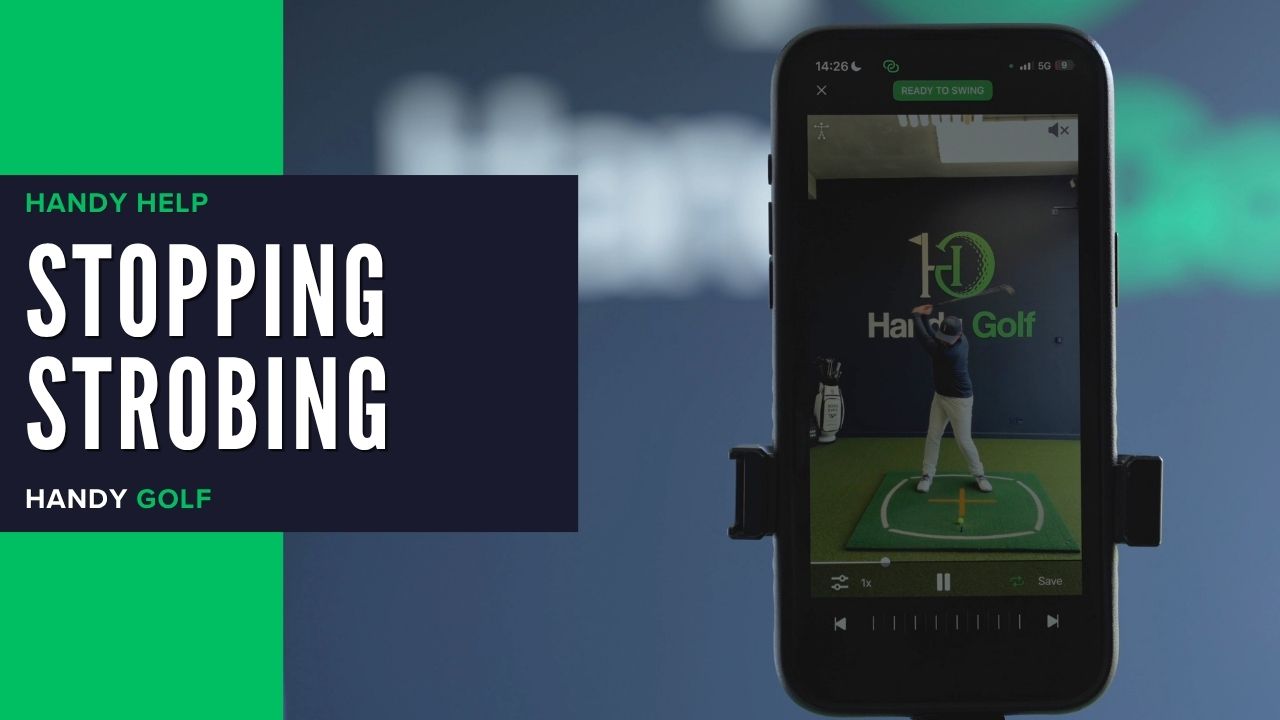
Learn why indoor lights can cause strobing in high-speed auto detect recordings and how to reduce flicker while filming your golf swing.
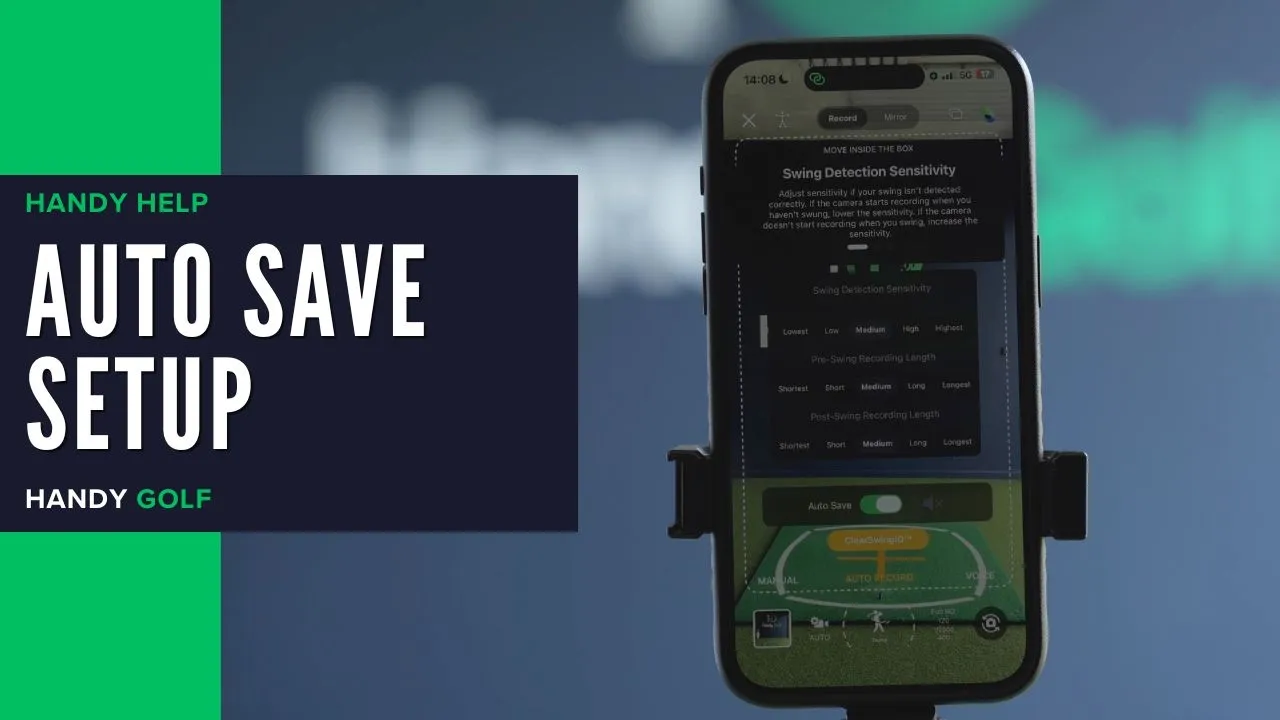
Learn how to enable or disable AutoSave for auto-recorded swings in Handy Golf’s Auto Detect Swing mode.
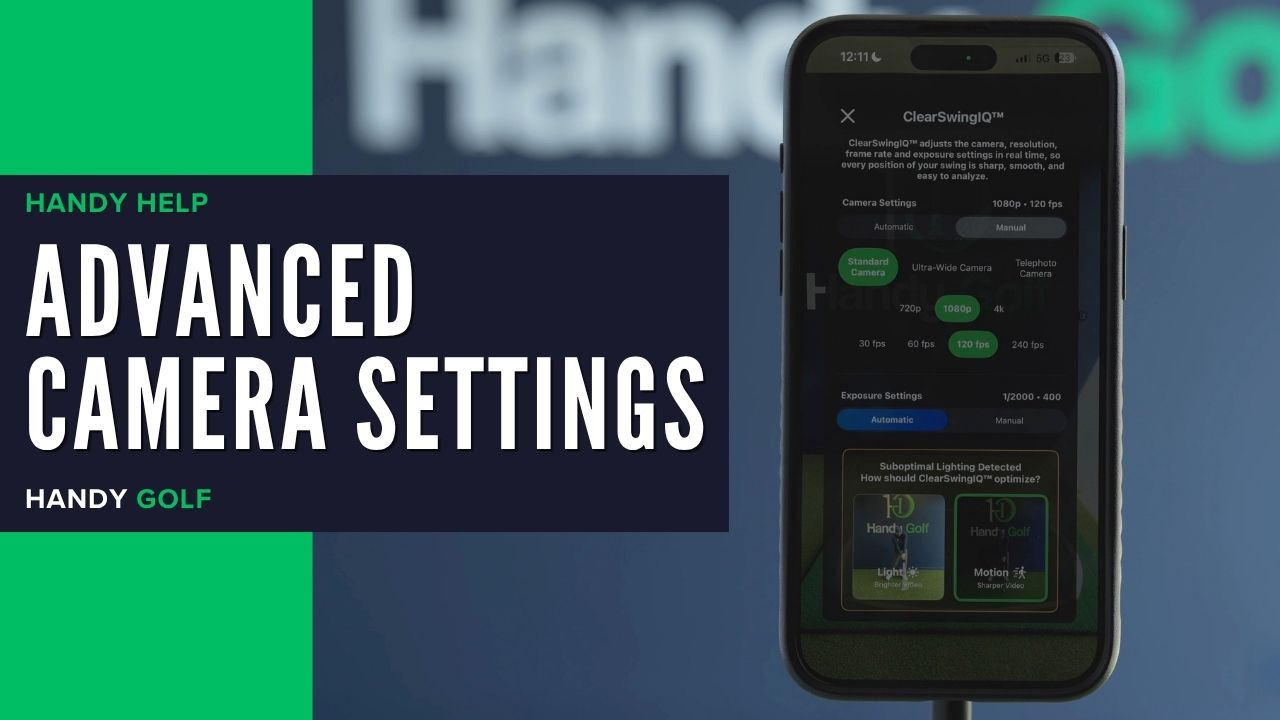
Learn when to use automatic or manual camera settings, including motion, light, shutter speed, ISO, camera lens, video quality, and FPS.
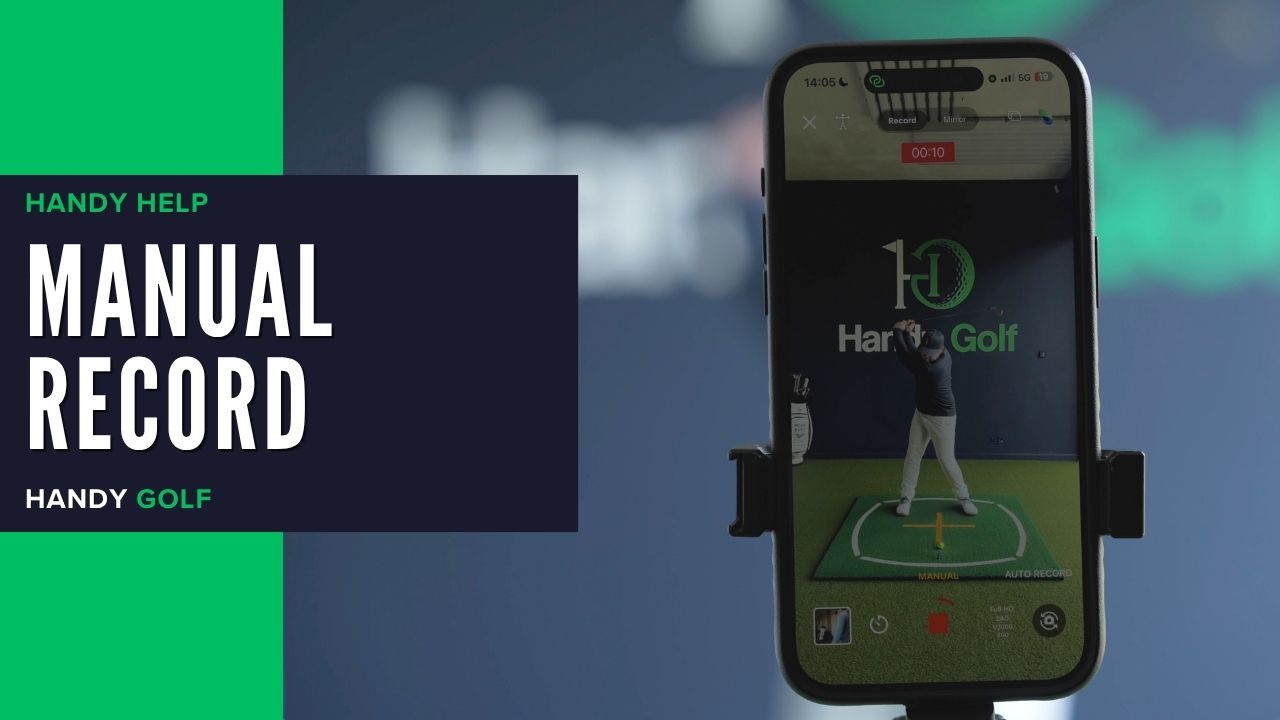
Learn how to manually record, stop, trim, and save a golf swing video in the Handy Golf app when filming yourself.
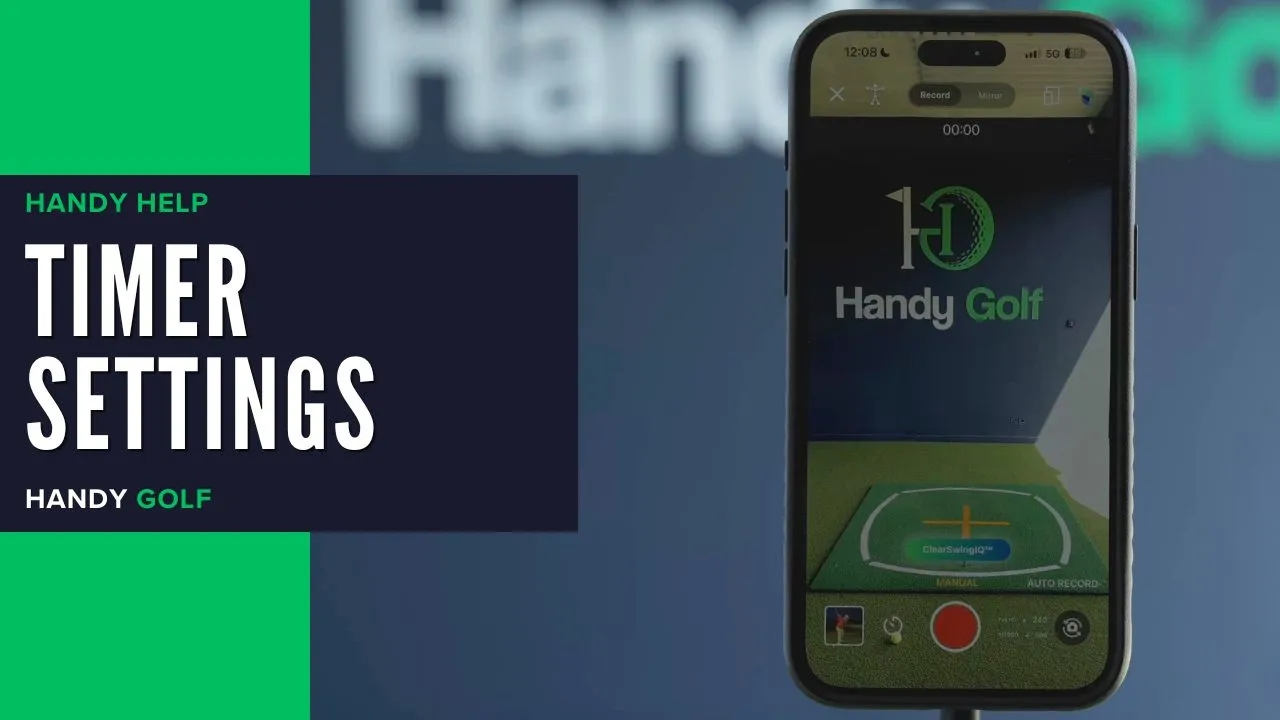
Learn how to set wait time, recording length, flash, and sound countdowns for recording your golf swing in manual record mode.

From swing analysis at the range to structured practice at home and performance tools on the course, Handy Golf helps you improve wherever you train.

